> ## Documentation Index
> Fetch the complete documentation index at: https://docs.kinemation.xyz/llms.txt
> Use this file to discover all available pages before exploring further.
# 🔥VFX
> In this page we will cover how bullet casings are handled by the pack.
The **FPS Animation Pack** relies on a single Niagara System, which is responsible for the effect of the empty casing when firing:
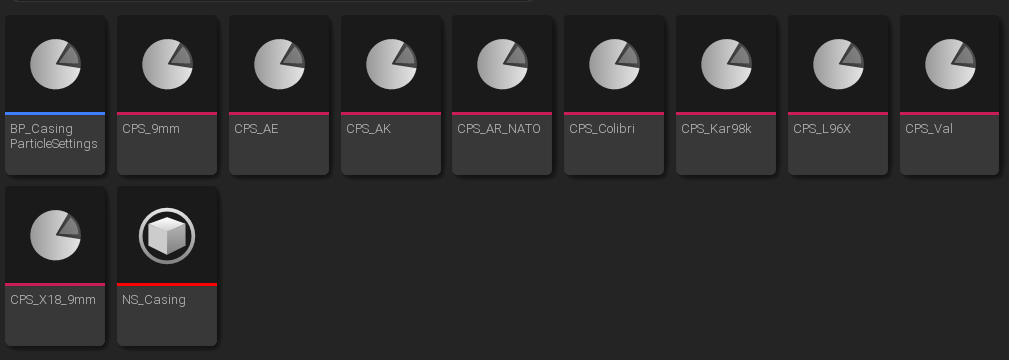 There are [Casing Particle Settings](/fps-animation-pack/unreal/gameplay/types#casing-particle-settings) for different weapon types, depending on the caliber. The actual effect is spawned via the **AnimNotify\_SpawnCasing**:
 **Tip**: these notifies are placed in weapons fire animations.