> ## Documentation Index
> Fetch the complete documentation index at: https://docs.kinemation.xyz/llms.txt
> Use this file to discover all available pages before exploring further.
# ➕How to implement attachments
> In this tutorial, we will cover how to influence recoil on the fly.
## Overview
To modify the current recoil animation, **PRAS** has the Input Scale feature using these methods:
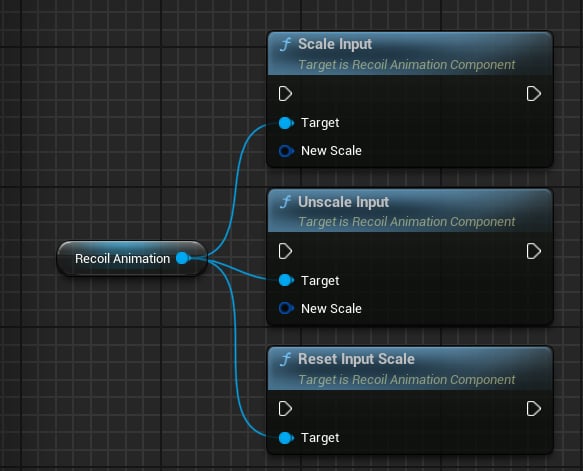 * **Scale Input**: applies an Input Scale.
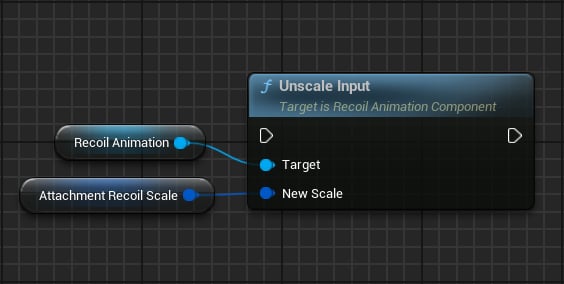
* **Unscale Input**: reverts an Input Scale.
* **Reset Input Scale**: resets any applied modifiers.
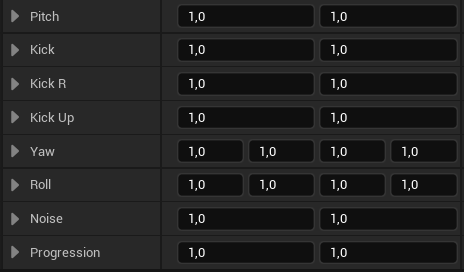
**Input Scale** is a struct that includes these properties:
* **Scale Input**: applies an Input Scale.
* **Unscale Input**: reverts an Input Scale.
* **Reset Input Scale**: resets any applied modifiers.
**Input Scale** is a struct that includes these properties:
 ## Use-case
When attachment is equipped, make sure to update the current Input Scale:
## Use-case
When attachment is equipped, make sure to update the current Input Scale:
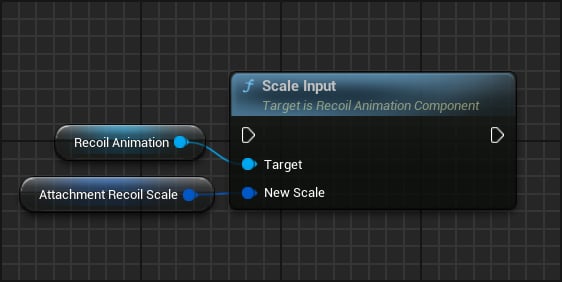 To revert changes of the previous attachment: