> ## Documentation Index
> Fetch the complete documentation index at: https://docs.kinemation.xyz/llms.txt
> Use this file to discover all available pages before exploring further.
# Attach Hand Layer
> Documentation for Attach Hand Layer.
 ## Description
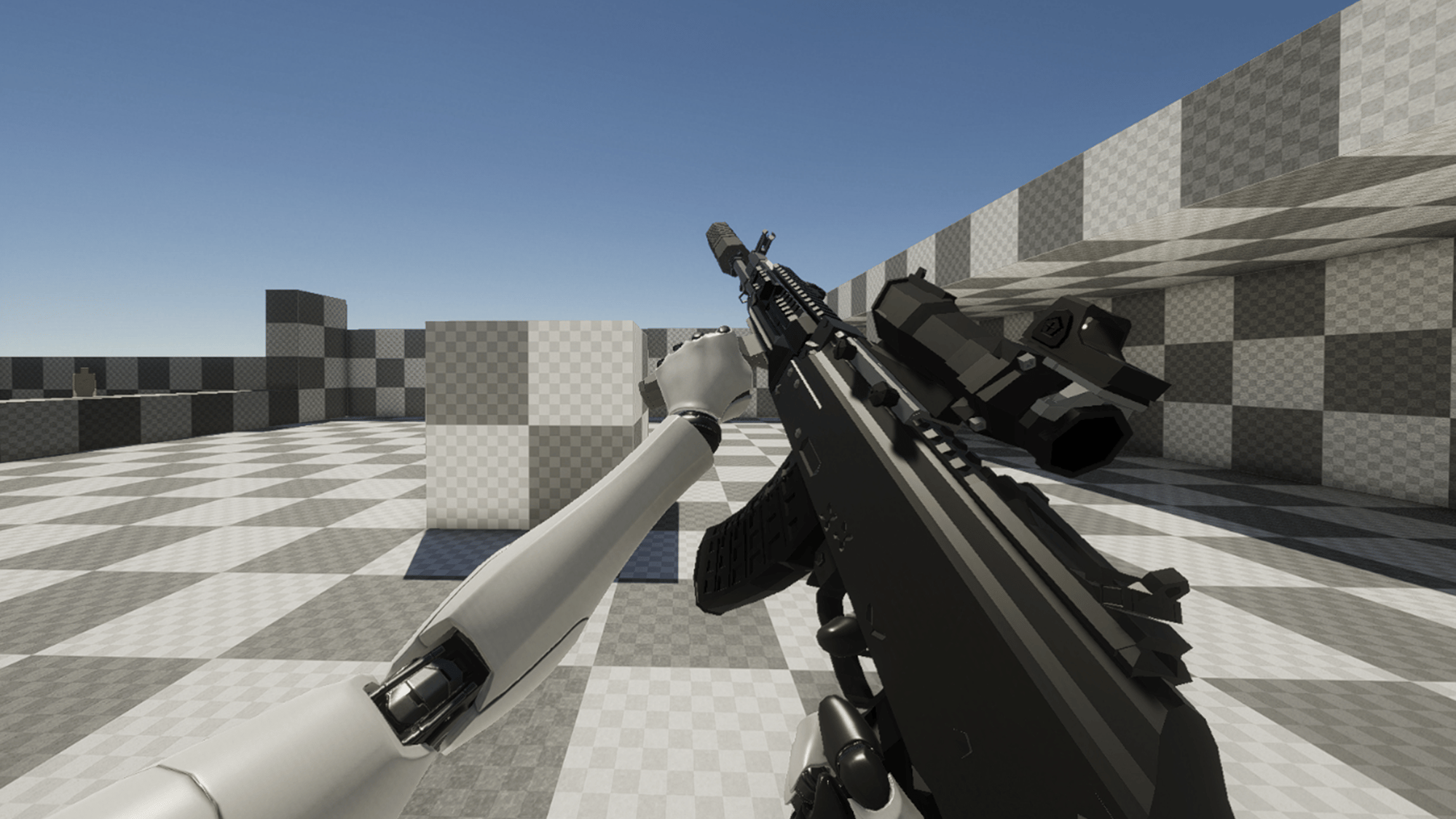
**Attach Hand Layer** is a **unique** Animator Layer, which is used to attach the character element to the weapon.
The primary application of this feature is "Left Hand IK"-like behavior. However, you can also use it for the right hand as well.
This layer can also be used for weapon attachments, like grips. Unlike other layers, this one can be manually created as a separate data asset by right clicking -> **Create -> KINEMATION -> FPS Animator Layers -> Attach Hand**.
**Tip:** this layer does not need a target transform, as it relies on the character default pose.
## Properties
## Description
**Attach Hand Layer** is a **unique** Animator Layer, which is used to attach the character element to the weapon.
The primary application of this feature is "Left Hand IK"-like behavior. However, you can also use it for the right hand as well.
This layer can also be used for weapon attachments, like grips. Unlike other layers, this one can be manually created as a separate data asset by right clicking -> **Create -> KINEMATION -> FPS Animator Layers -> Attach Hand**.
**Tip:** this layer does not need a target transform, as it relies on the character default pose.
## Properties
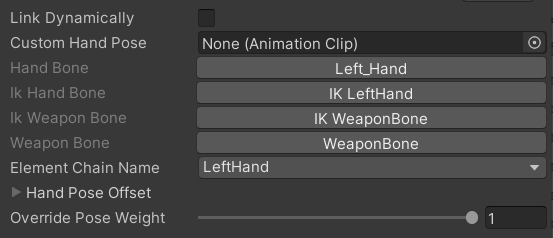 * **Custom Hand Pose:** a custom pose to override the hand bone. Useful for attachments.
* **Hand Pose Offset** defines the additive offset for the attached hand.
* **Override Pose Weight** defines if we need to override the fingers.
* **Element Chain Name** target element chain, which will be overridden in runtime. It makes sense to specify here the hand + fingers, so your pose is the always the same.
* **Custom Hand Pose:** a custom pose to override the hand bone. Useful for attachments.
* **Hand Pose Offset** defines the additive offset for the attached hand.
* **Override Pose Weight** defines if we need to override the fingers.
* **Element Chain Name** target element chain, which will be overridden in runtime. It makes sense to specify here the hand + fingers, so your pose is the always the same.