> ## Documentation Index
> Fetch the complete documentation index at: https://docs.kinemation.xyz/llms.txt
> Use this file to discover all available pages before exploring further.
# Look Layer
> Documentation for Look Layer.
 ## Description
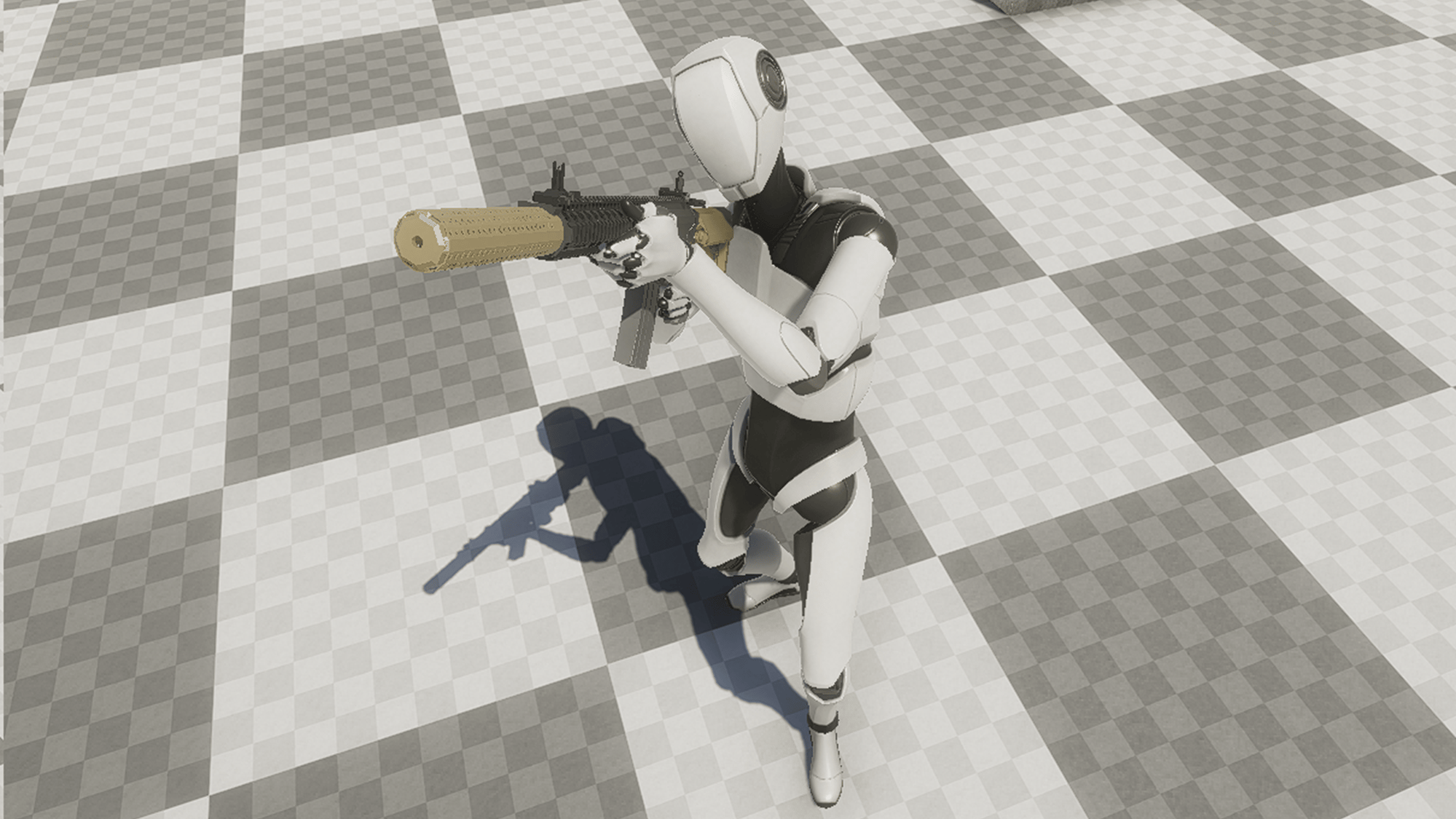
**Look Layer** replaces [**Blend Trees**](https://docs.unity3d.com/Manual/class-BlendTree.html) when it comes to looking around. It procedurally rotates bones of your character to make it look around. The layer supports all rotation axes.
## Properties
## Description
**Look Layer** replaces [**Blend Trees**](https://docs.unity3d.com/Manual/class-BlendTree.html) when it comes to looking around. It procedurally rotates bones of your character to make it look around. The layer supports all rotation axes.
## Properties
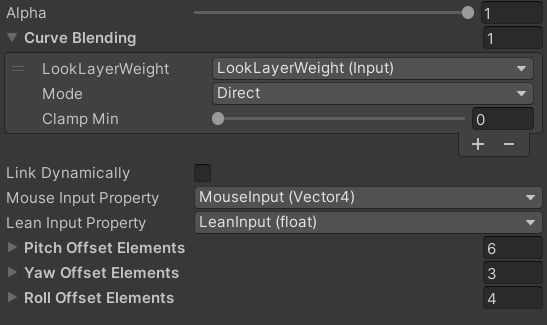 * Mouse Input Property: what input Vector4 value will be controlling the Pitch and Yaw input.
* Lean Input Property: what value will be controlling leaning angle.
* Pitch/Yaw/Roll Offset Elements: what bones will be applying Pitch/Yaw/Roll rotations.
**Pitch** represents rotation around the X axis or up/down motion.
**Yaw** represents rotation around the Y axis or right/left motion.
**Roll** represents rotation around the Z axis or leaning motion.
* Mouse Input Property: what input Vector4 value will be controlling the Pitch and Yaw input.
* Lean Input Property: what value will be controlling leaning angle.
* Pitch/Yaw/Roll Offset Elements: what bones will be applying Pitch/Yaw/Roll rotations.
**Pitch** represents rotation around the X axis or up/down motion.
**Yaw** represents rotation around the Y axis or right/left motion.
**Roll** represents rotation around the Z axis or leaning motion.