> ## Documentation Index
> Fetch the complete documentation index at: https://docs.kinemation.xyz/llms.txt
> Use this file to discover all available pages before exploring further.
# 🔥VFX
> This page explains how to use visual effects from the pack.
## Overview
The **Tactical Shooter Pack** comes with muzzle flash and empty casing effects. All VFX were built with Particle System, and they are compatible with all render pipelines: Built-In, URP, and HDRP.
All effects can be found in "**KINEMATION/TacticalShooterPack/VFX**".
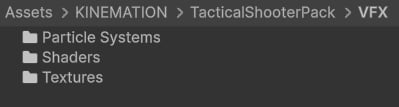 **Note**: All effects were made with Particle System and Shader Graph.
## Muzzle Flashes
These effects come as game-ready prefabs, which you can add to your weapons and play right from code.
**Note**: All effects were made with Particle System and Shader Graph.
## Muzzle Flashes
These effects come as game-ready prefabs, which you can add to your weapons and play right from code.
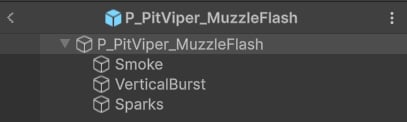 Muzzle flashes consist of the flash itself and child components — smoke, sparks, vertical and horizontal bursts (e.g., Pistol, Assault and Sniper Rifles). They are added directly to weapon prefabs in the pack:
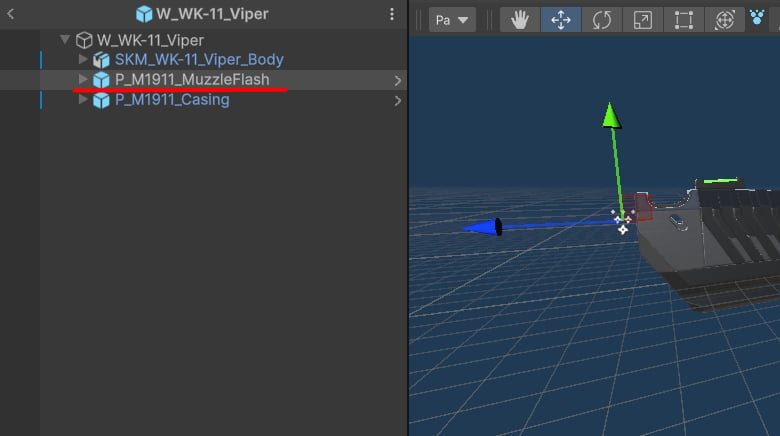 **Tip**: Smoke is the only part that's played in **World** space.
To play a muzzle flash, define a reference to a Particle System and call this function when firing:
## Empty Casings
These are simple effects that only include the casing and some smoke:
**Tip**: Smoke is the only part that's played in **World** space.
To play a muzzle flash, define a reference to a Particle System and call this function when firing:
## Empty Casings
These are simple effects that only include the casing and some smoke:
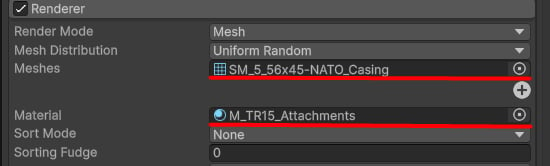
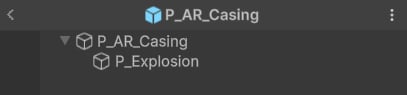 Mesh and material settings can be adjusted in the "Renderer" tab:
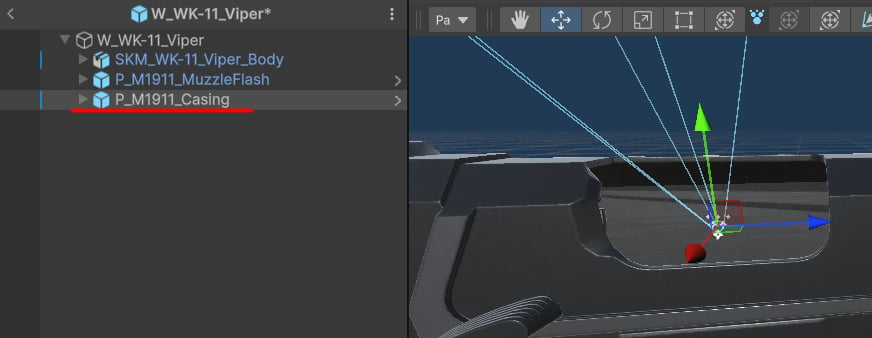
 Casings particles reside in weapon prefabs, just like muzzle flashes:
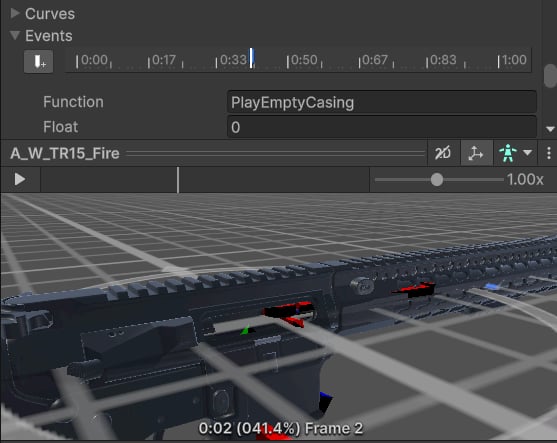
 The Tactical Shooter Pack relies on events to play empty casings at a specific moment in the animation:
 The even is implemented in the weapon script:
**Tip**: Similar to muzzle flashes, declare a reference to an empty casing Particle System and use the `Play` method to activate it.
The even is implemented in the weapon script:
**Tip**: Similar to muzzle flashes, declare a reference to an empty casing Particle System and use the `Play` method to activate it.