
Export weapon mesh from Unreal Engine
First, open up the contents of the FPS Animation Pack (if you can’t see this directory, please visit this page:🌌 Overview
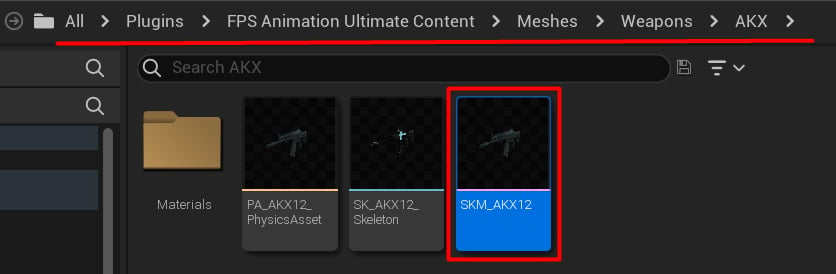
We will replace this AKX mesh.
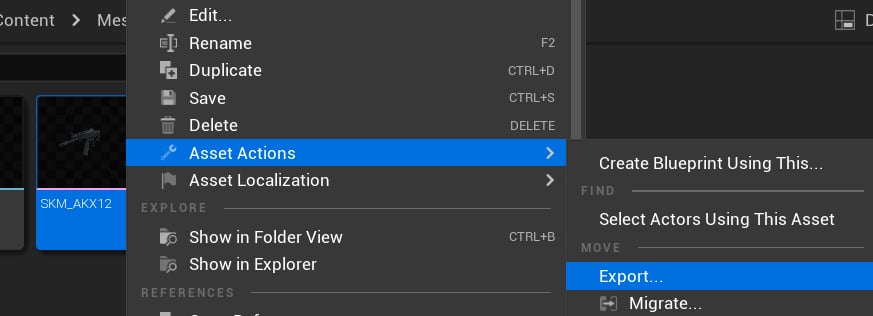
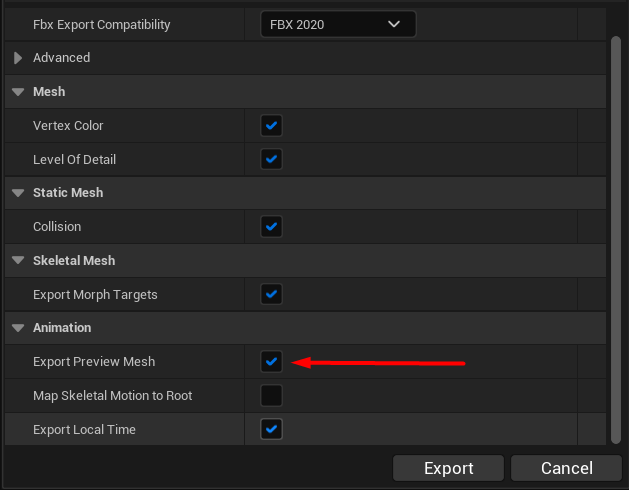
Export the model from Unreal.
Import weapons into Blender
Open Blender (or a software of your choice) and import both models as FBX: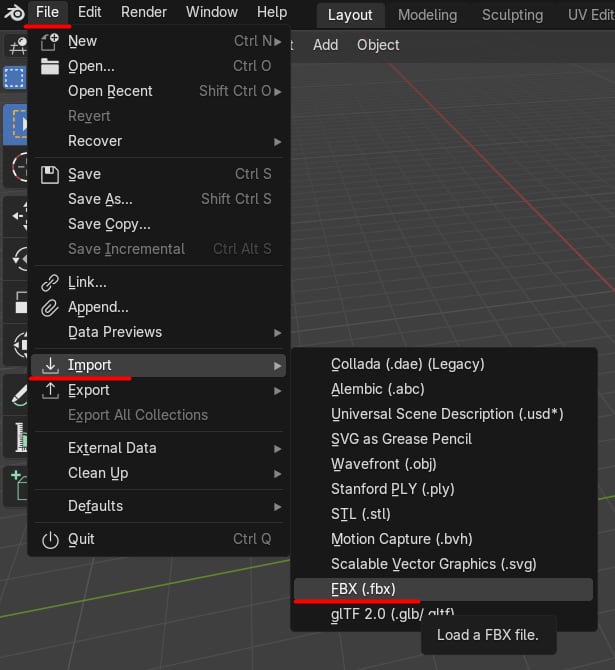
Import the FBX files.
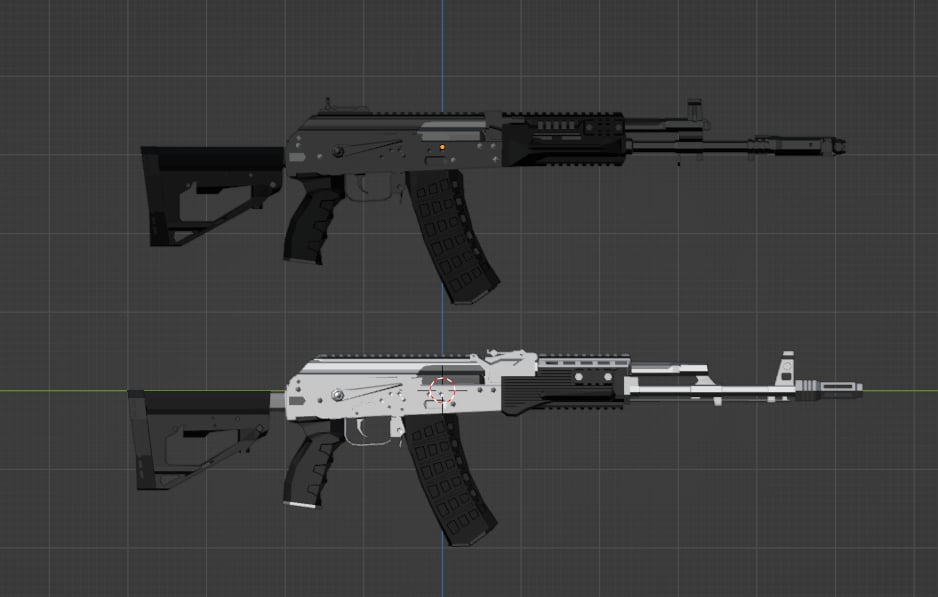
Add models to the scene.
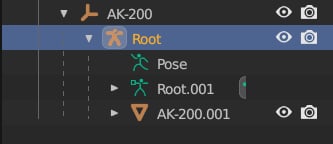
Select the weapon's armature and delete it.
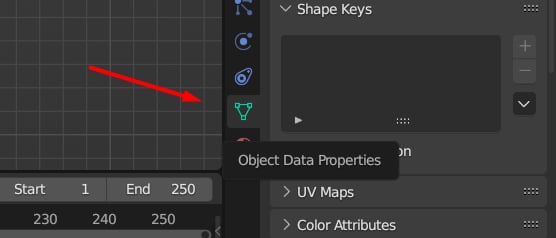
Click this tab.
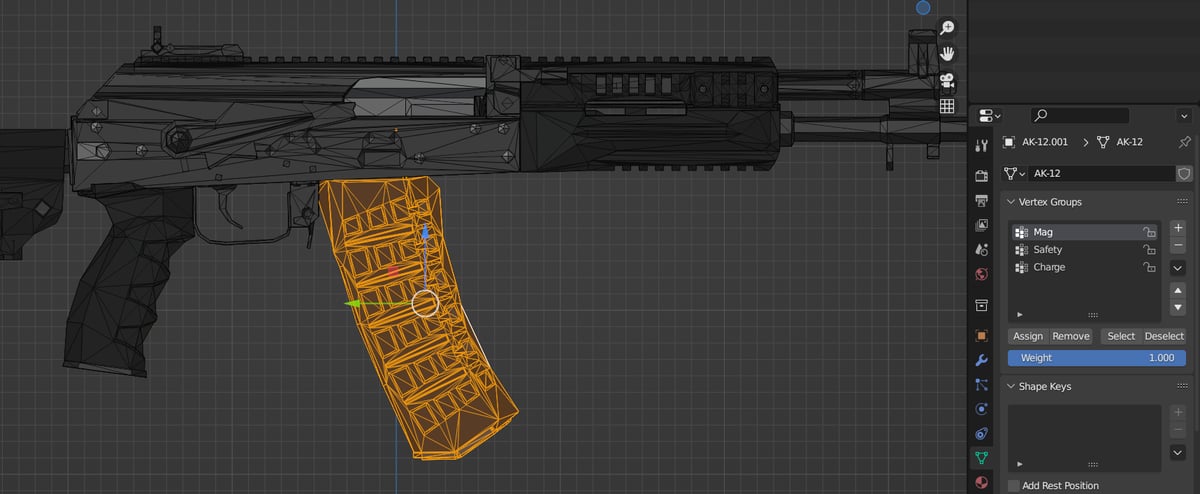
These groups bind parts of the mesh to the bones.
- Left-click on the vertex group.
- Select the part of the weapon you want to include (hover over the part and press L).
- Click the “Assign” button.
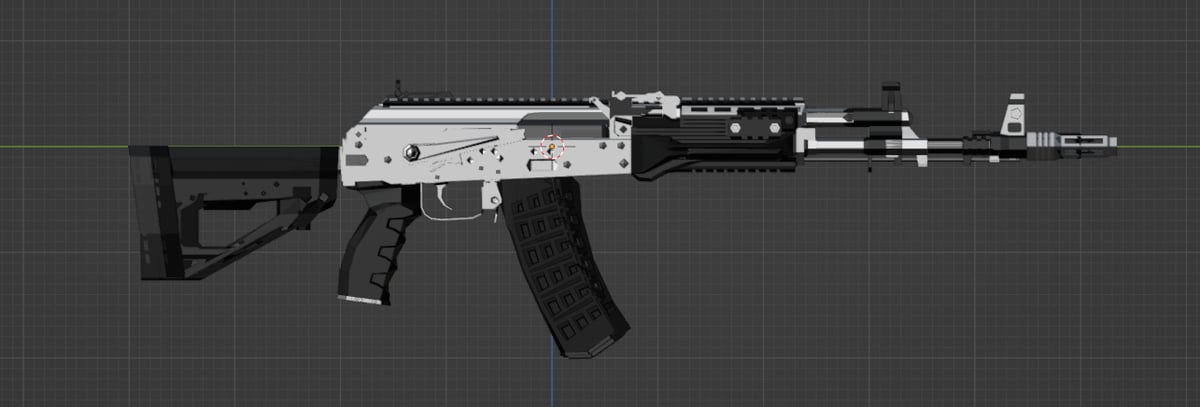
Perfectly aligned weapons.
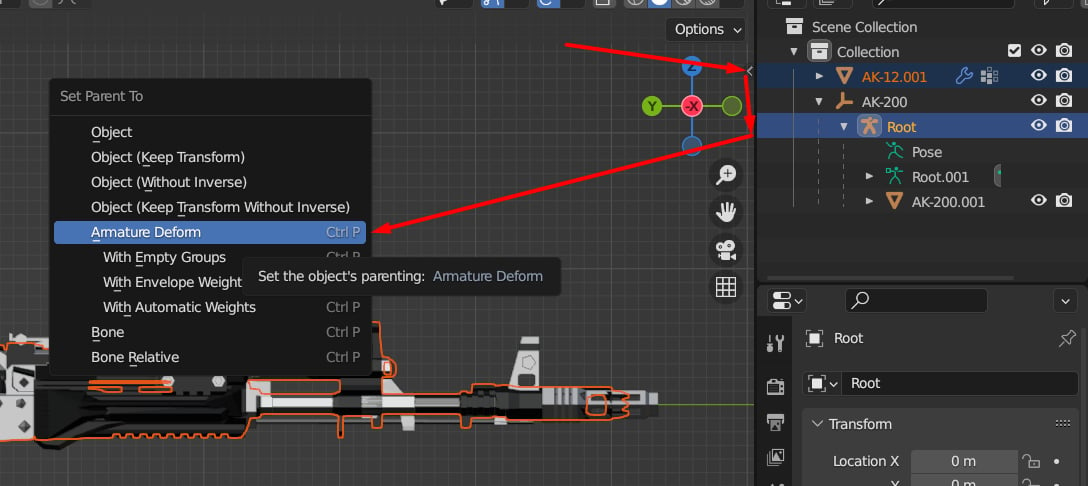
Parent new mesh to the skeleton.
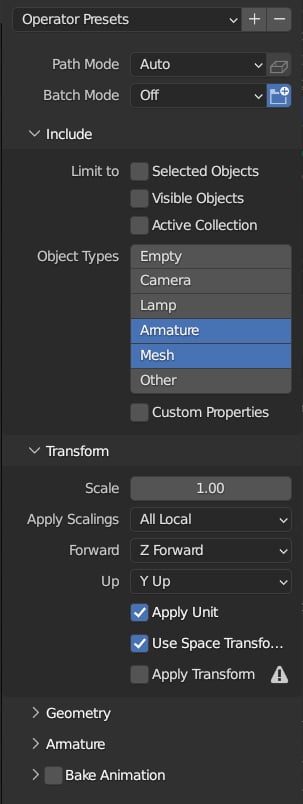
Export settings.
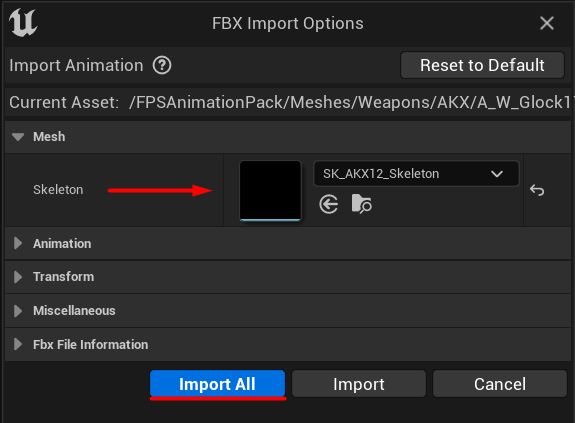
Import the new weapon model.