
Update Packages
Use Update Packages to check and install updates for shared KINEMATION dependencies used by Survival Pack. The tool discoverskinemation-package.json manifests below Assets/KINEMATION.
Open Tools ▸ KINEMATION, then select General ▸ Update Packages.
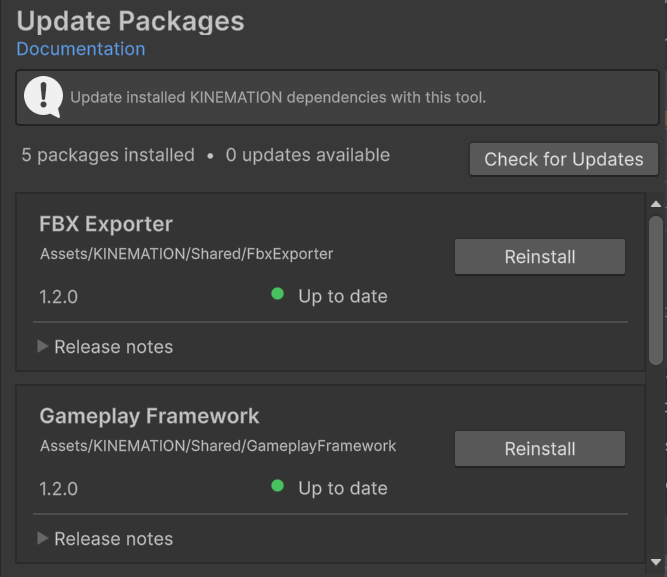
Update Packages showing installed dependency versions and status.
Check and update
1
Refresh package status
Click Check for Updates. The tool reads each local manifest and requests its remote HTTPS manifest.
2
Review versions
Expand Release notes. An arrow shows installed and available versions when an update exists.
3
Install updates
Click Update on one package, or Update All for every available update.
4
Wait for import
Keep Unity open while the tool downloads and imports the packages. The card reports progress.