
Overview
The Tactical Shooter Pack comes with muzzle flash and empty casing effects. All VFX were built with Particle System, and they are compatible with all render pipelines: Built-In, URP, and HDRP. All effects can be found in “KINEMATION/TacticalShooterPack/VFX”.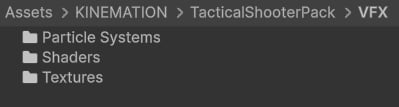
Note: All effects were made with Particle System and Shader Graph.
Muzzle Flashes
These effects come as game-ready prefabs, which you can add to your weapons and play right from code.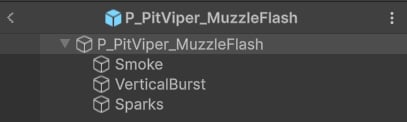
Pistol unsuppressed muzzle flash.
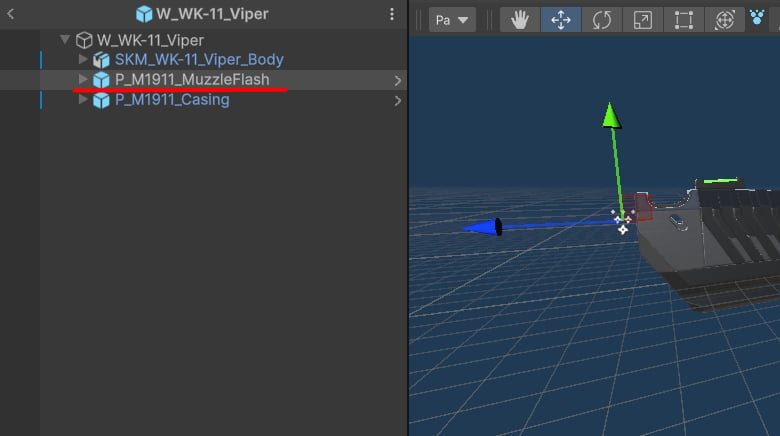
Tip: Smoke is the only part that’s played in World space.
Empty Casings
These are simple effects that only include the casing and some smoke: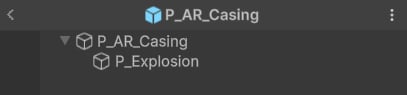
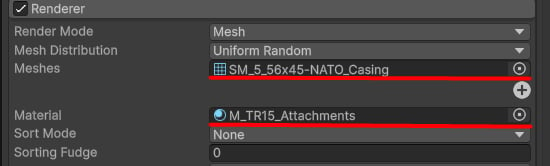
Empty casing mesh and material.
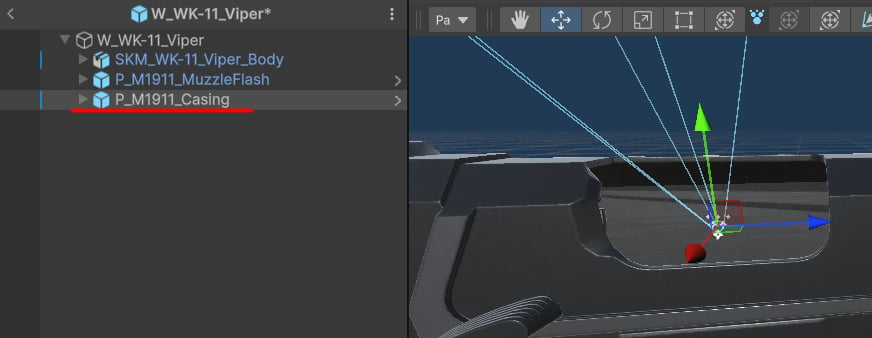
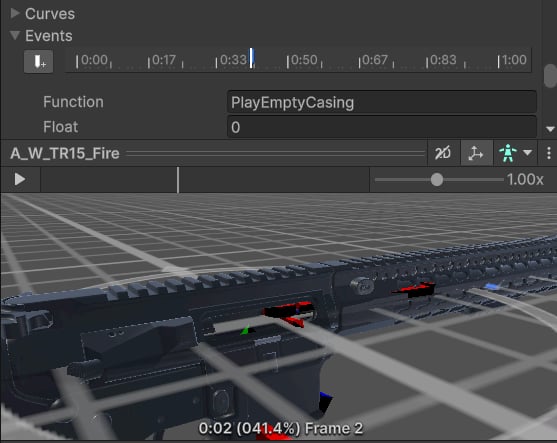
AR emtpy casing event example.
Tip: Similar to muzzle flashes, declare a reference to an empty casing Particle System and use the
Play method to activate it.