
Resources
You can find all sound effects in the Plugins → FPS Animation Pack Content → SFX. There are 2 types of sounds, based on how they are triggered in runtime:-
Anim Notify-Based
- Reloads
- Grenade
- Movement
-
Gameplay-Triggered
- Firing
- Aiming
- Fire mode switch
AnimNotify_PlaySound
This notify is used to play all animation-based sound effects: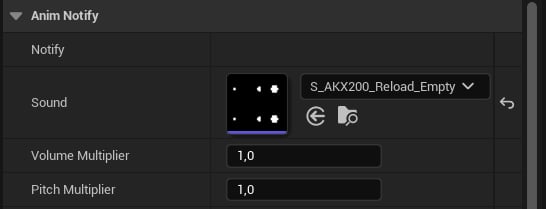
Play Sound notify.
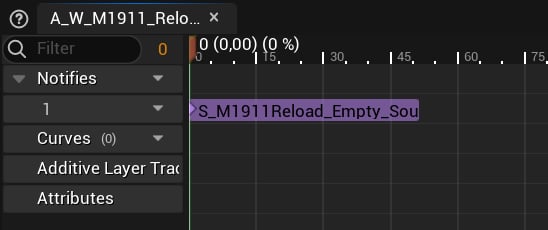
M1911 reload sound example.
Gameplay Sounds
The firing sounds are played in the BP_WeaponBase: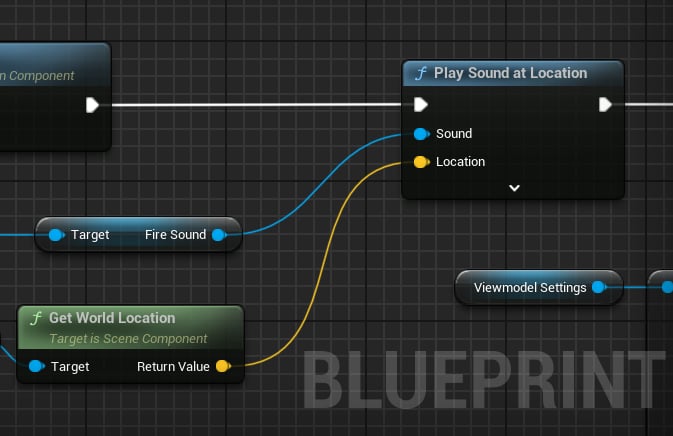
Firing sounds.
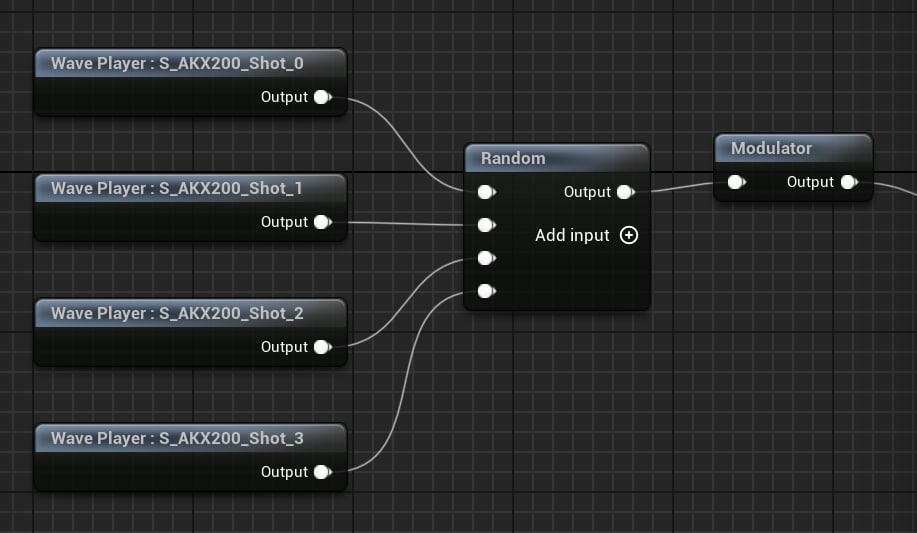
SC_AKX200_Fire example.
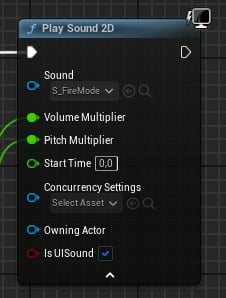
Fire mode switch with randomized effects.
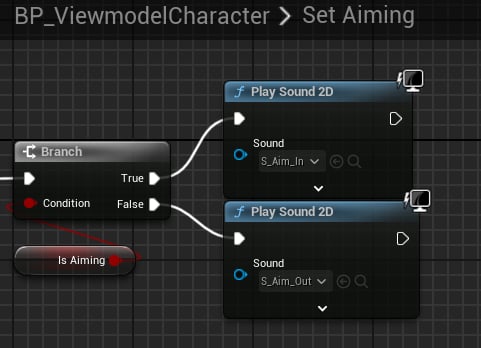
Aiming sounds.