1
Assign the skeleton
Right-click on your character mesh and click “Assign Skeleton”. Next, pick the Manny skeleton from the Tactical Shooter Pack.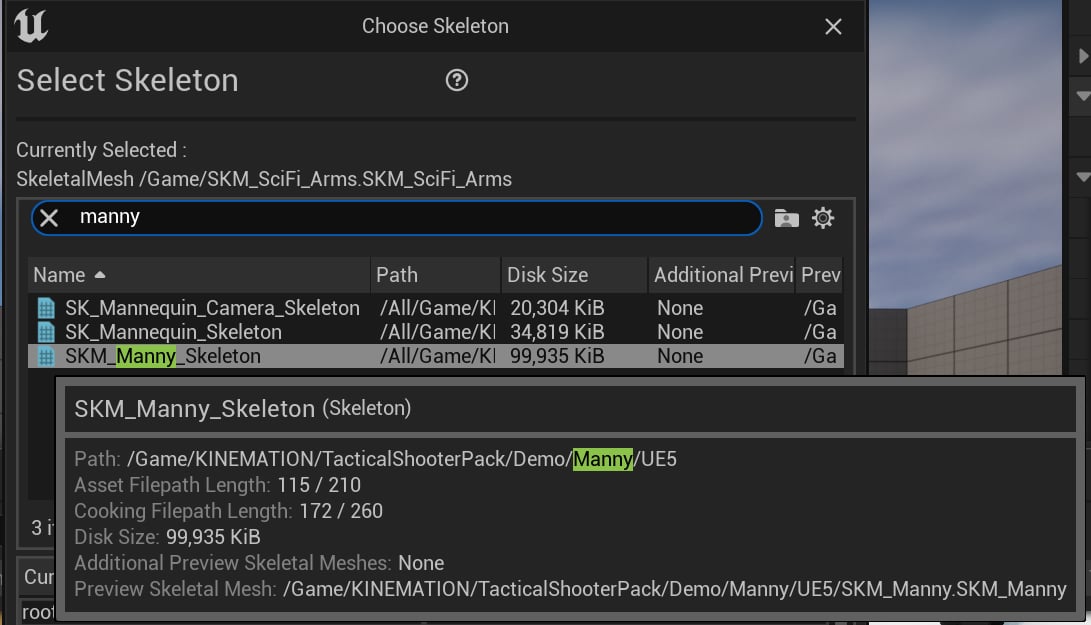
Note: This will only work with models rigged to the UE5 Mannequin.
2
Create a new Animation Blueprint
Pick the Manny skeleton from the Tactical Shooter Pack.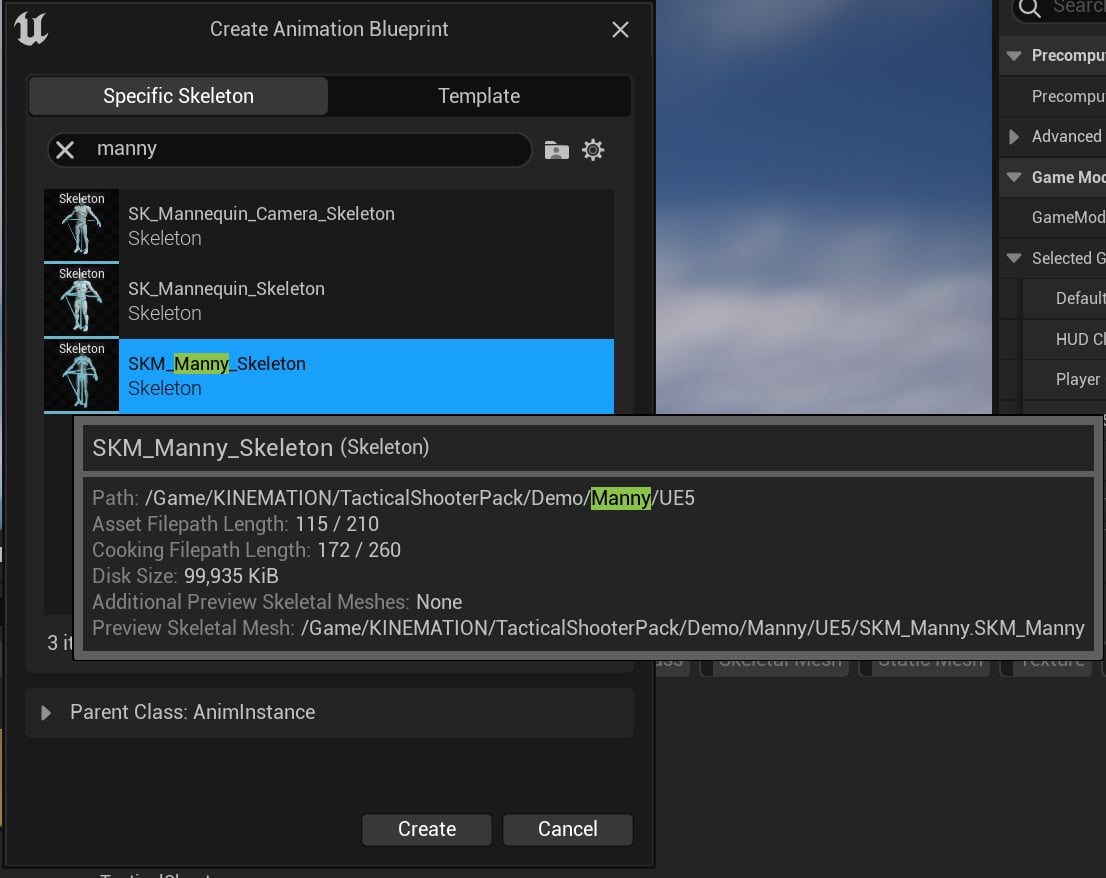
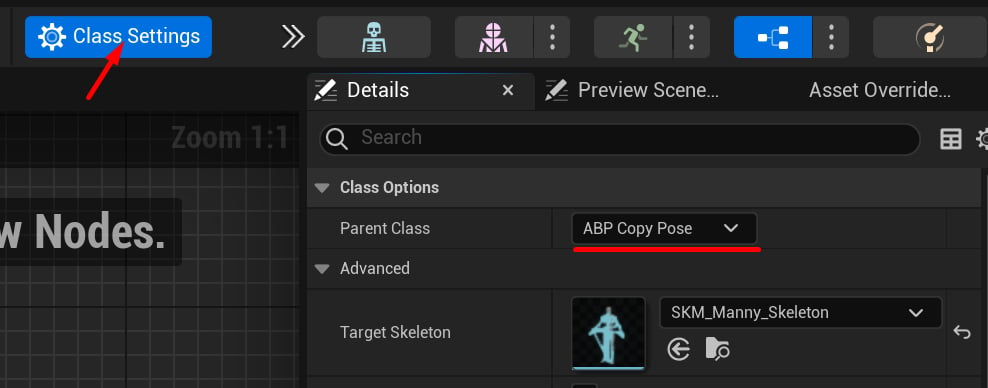
3
Add a new mesh component
Go to the 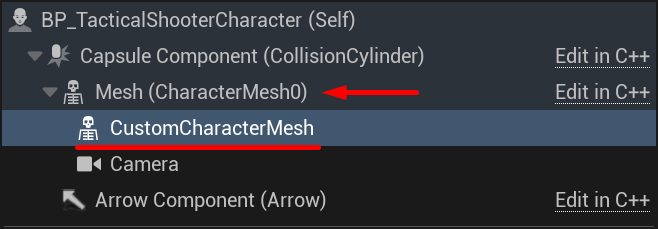
BP_TacticalShooterCharacter blueprint, add a new Skeletal Mesh Component and parent it to “Mesh”.4
Assign the mesh and blueprint
Select the new mesh component and assign your custom character mesh and the animation blueprint.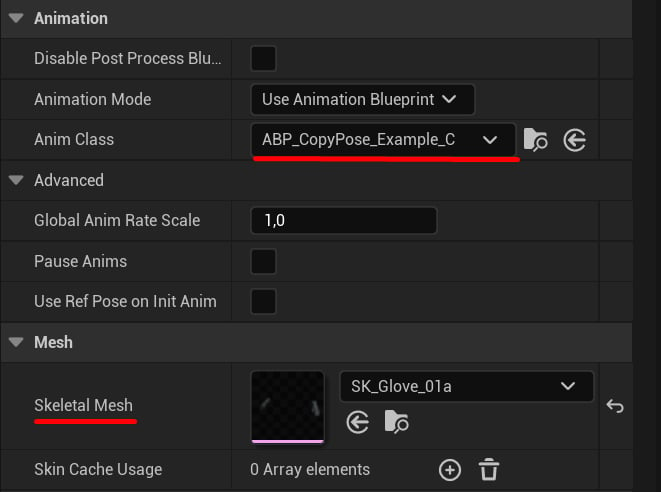
5
Adjust the main mesh
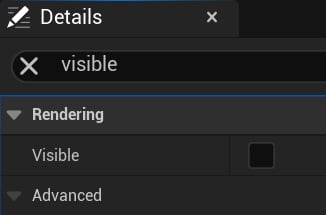
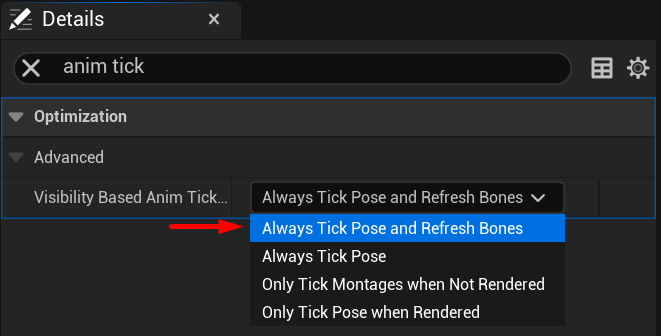
Finally, select the “Mesh” component and set its visibility flag to false.