
Pack upgrades
The FPS Animation Pack supports all three render pipelines in Unity. By default, the imported package is going to be URP-only. To upgrade to other render pipelines, go to KINEMATION → FPSAnimationPack → RenderPipelineUpgrades:
Example upgrade packages.
Demo scene upgrades
The packs above only upgrade character arms and weapons. To use a demo scene for your desired render pipeline, make sure to use one of these packages: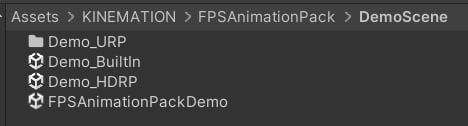
Demo scene upgrades.