
DA_ asset in Survival_FPS_Pack/Blueprints/Items/Settings to adjust its animation settings. For example, use DA_Pot for the pot, DA_Bread for bread, or DA_DL700 for the rifle. For an introduction, see Making adjustments.
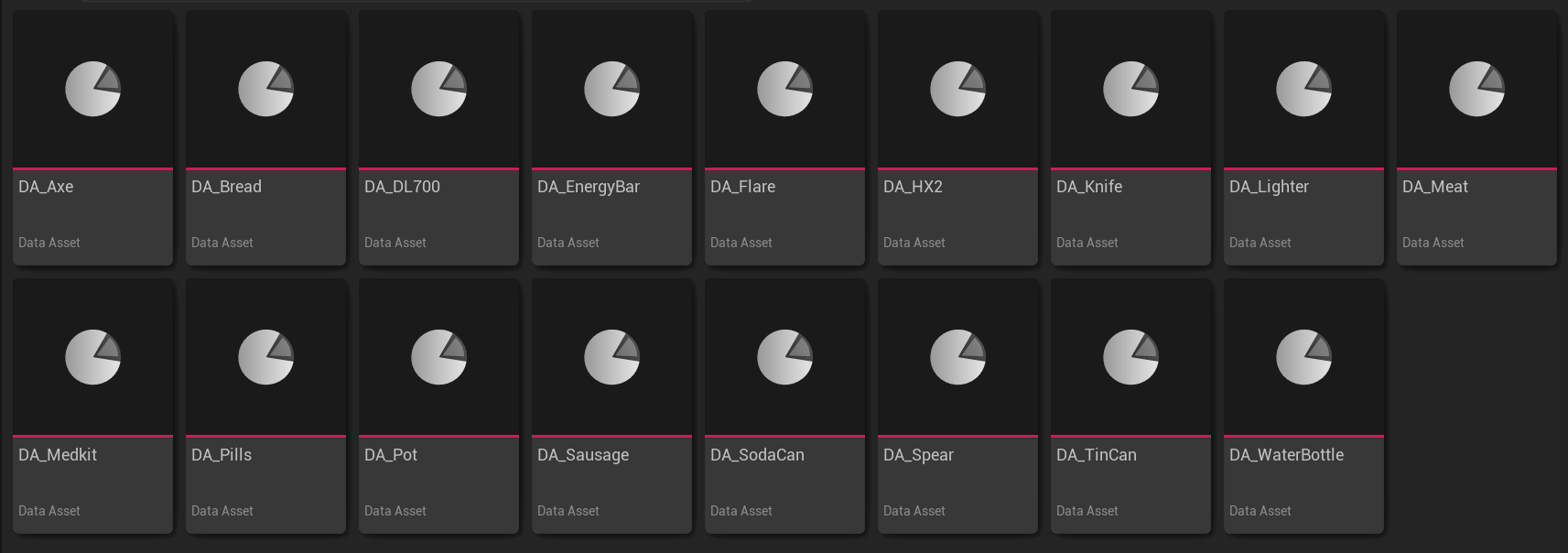
Each item has a matching animation settings asset in Blueprints/Items/Settings.
BP_Shooter_AnimationSettings. Use them when tuning the rifle or bow. Tool and consumable actions are configured on their views and overlays.
Try an adjustment
DuplicateDA_DL700 and assign it to your copied AC_DL700View. Reduce Ads FOV by ten degrees, equip the rifle, and aim. You should see a narrower view. Restore the value, then reduce Idle > Intensity to compare idle movement.