
Find the item’s settings
OpenSurvival_FPS_Pack/Blueprints/Items/Settings and choose the item’s DA_ asset. For example, the pot uses DA_Pot, the knife uses DA_Knife, and the hunting rifle uses DA_DL700. You can also find the assignment through Animation Settings on the item’s view component.
Duplicate the asset and assign the copy to your view before changing it if you want independent settings.
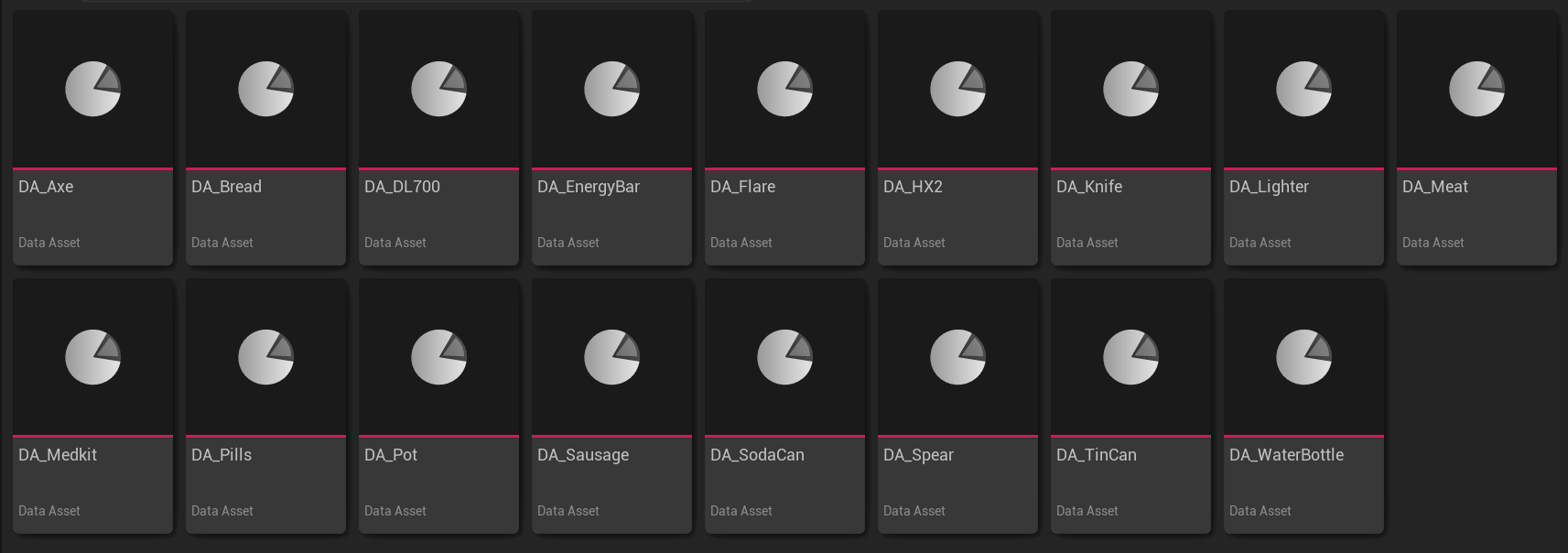
The Settings folder contains pose and motion settings for weapons, tools, food, and medicine.
Holding pose and position
Idle Pose sets how the character holds the item. Overlay Class and Procedural Layer Class select the Animation Blueprints that build its pose and add motion. Keep specialized overlays, such as the axe’s blocking overlay or bow’s aiming overlay, when changing their idle poses. Expand Viewmodel Offset to adjust placement: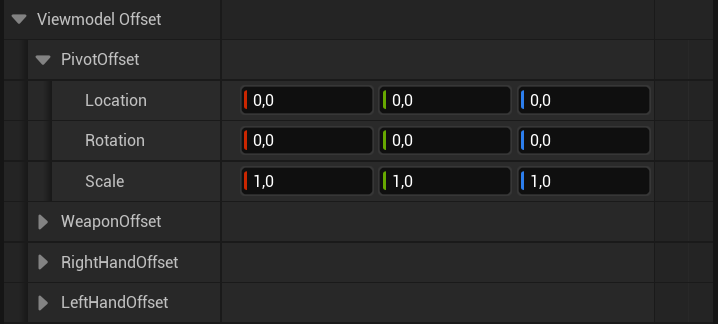
Use the item offset for framing and the hand offsets for grip adjustments.
Movement
The Idle, Walk, Sprint, Jump Start, Jump Loop, and Jump End sections control the held item’s motion for each movement state. Motion selects the animation, Intensity scales it, Play Rate changes its speed, and Offset adds a state-specific transform.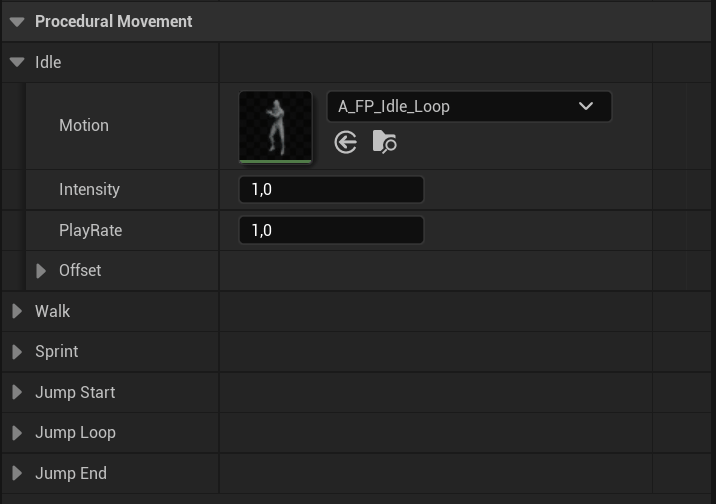
Each movement state has its own animation, strength, speed, and offset.
Use and secondary actions
Use animations are assigned on the item’s view. Edit the character and item sides of the relevant montage pair together. The settings asset controls the holding pose, while the view chooses actions such as opening a lid, drinking, slashing, or reloading.
Keep Launch Projectile and Use Consumable at the correct frames when replacing their animations.
Weapon aiming and sway
For items that use shooter animation settings, Ads Speed and Ads Easing control the transition into aiming. Ads FOV sets the aiming field of view, while Ads Additive Blend controls how much additive motion remains.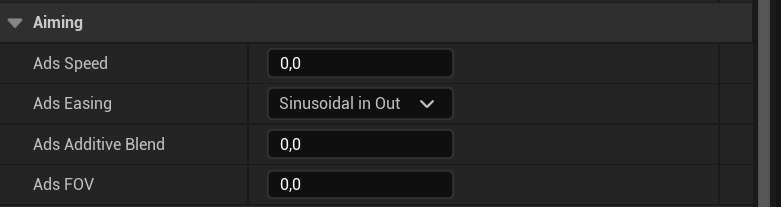
Aiming settings control the transition, field of view, and additional IK motion.
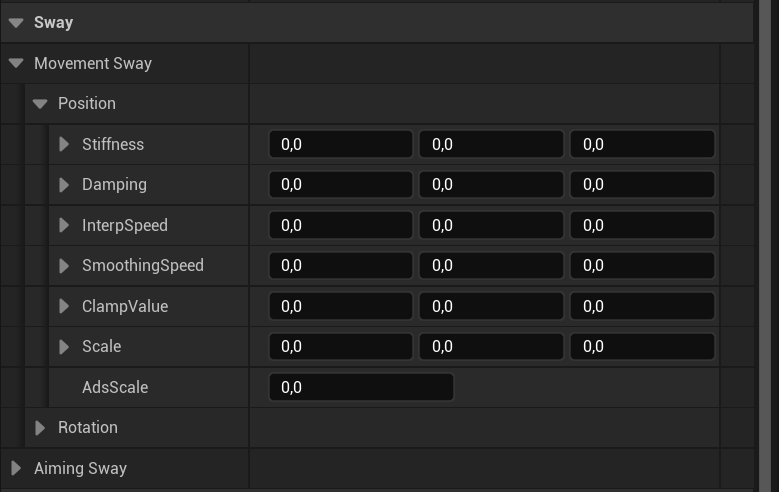
Position and rotation sway can be tuned independently.
Rifle recoil and ammunition
The DL700 usesRD_DL700 through Recoil Data on DA_DL700. Duplicate the recoil asset before changing kick, recovery, controller recoil, or camera shake. See Recoil for those settings.
Open your copied rifle Blueprint and select Class Defaults to change Fire Rate, Max Ammo, and Active Ammo. These control firing and ammunition. See Weapons for the DL700’s reload stages.
Save the changes and press Play. Test the item while standing, moving, using it, and switching equipment. Check aiming and reloads when the item supports them. Change one setting at a time so you can compare the result.