
Overview
ShooterSwayFeature adds spring-based movement sway from GameplayAnimationController.moveInput and aiming sway from deltaLookInput. It applies both results to the mapped weapon bone.
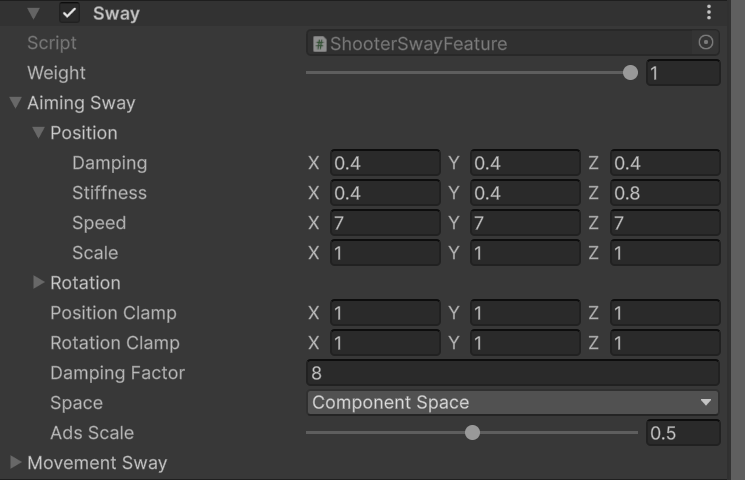
Shooter Sway aiming and movement spring settings.
Use cases
- Keep Component Space for predictable first-person weapon motion with the Survival Pack example rig.
- Tune Scale first, then adjust Speed, Stiffness, and Damping only when the sway reacts too slowly or oscillates too much.
- Keep clamps small enough that a large mouse delta or movement spike cannot throw the weapon off screen.
- Start with the template ADS Scale of
0.5for both blocks. Lower it for a steadier sight picture. - Set this feature’s Weight to
0while tuning ADS or Viewmodel Offset so spring motion does not hide alignment errors.
moveInput and resets or replaces deltaLookInput with the current frame’s look delta.
Survival Pack setup
PA_SurvivalPack_Base uses component-space aiming and movement sway, both with an ADS scale of 0.5 and damping factor of 8. Begin with these shared settings, then override the feature for an item whose size or grip needs a different response.