Standard Export
It’s possible to bake retargeted animations directly in the Retarget Pro Window.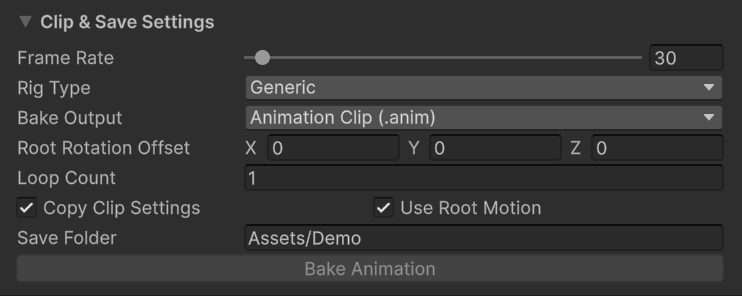
Clip & Save Settings.
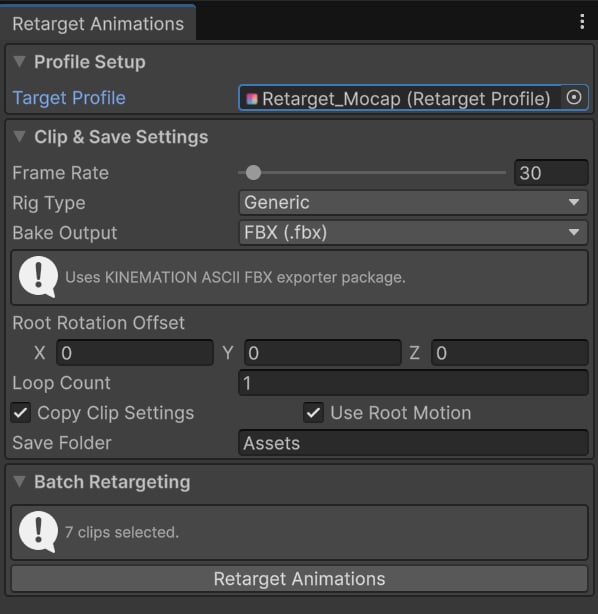
- Frame Rate — defines the frame rate, in frames per second (FPS), for exported animations.
- Rig Type — defines the target character rig type: Generic or Humanoid.
- Bake Output — specifies the export format. Animation Clip and FBX are supported. FBX is recommended.
- Root Rotation Offset — applies a rotation offset to the root bone in baked animations.
- Loop Count — defines the number of animation loops to include when baking. This is useful for looping locomotion animations, such as walking or running.
- Copy Clip Settings — determines whether clip settings, such as Loop and Bake Into Pose, are copied from the source animations.
- Use Root Motion — controls whether root motion tracks are included in the baked animations.
- Save Folder — specifies the folder where exported animations are saved.
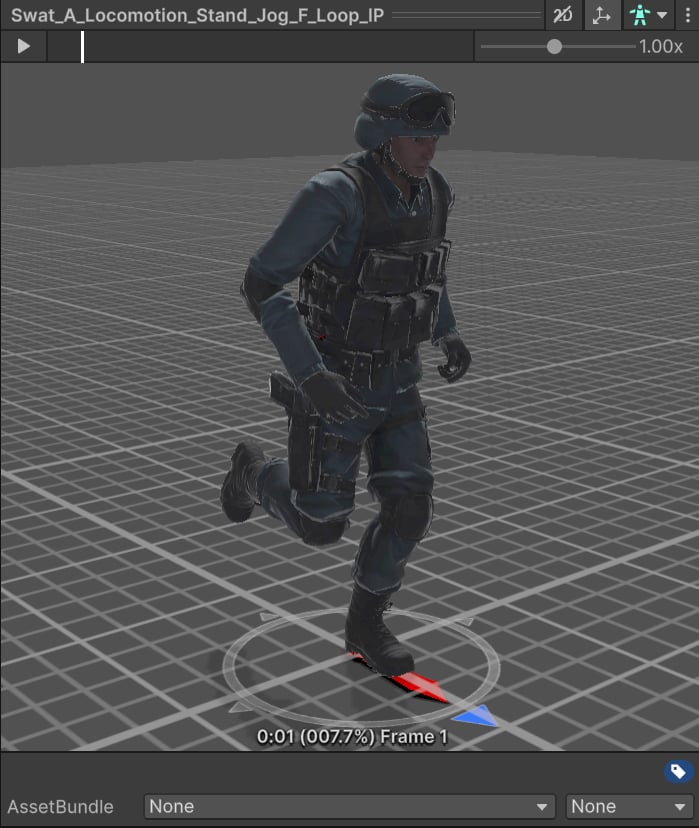
Successfully exported animation.
Batch Export
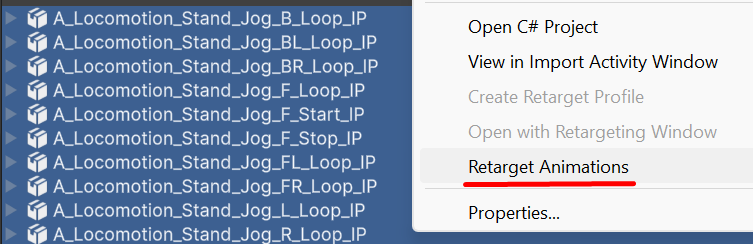
To quickly retarget and bake multiple animations, select the animations, right-click the selection, and choose Retarget Animations.