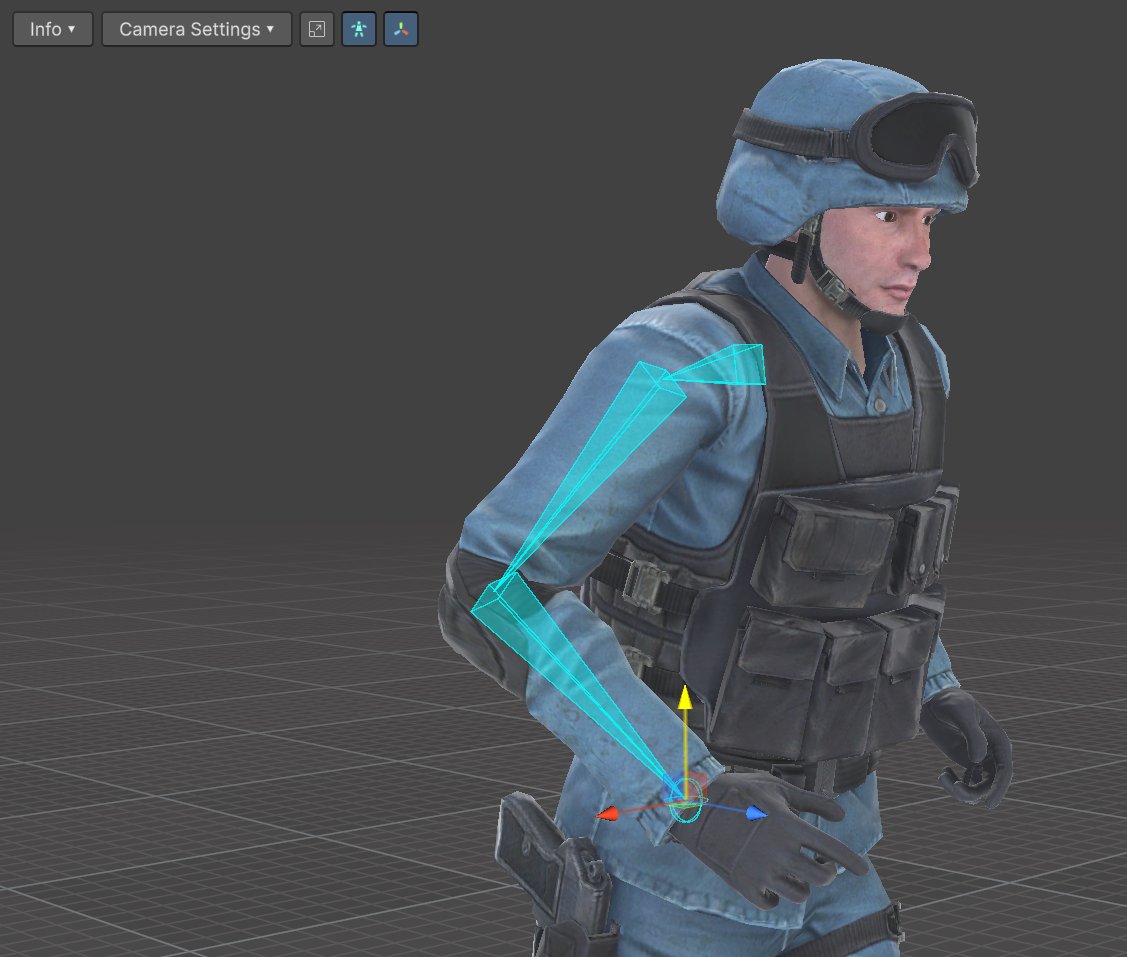
Preview
To start retargeting, go to to the “Playback & Preview” section and pick an animation: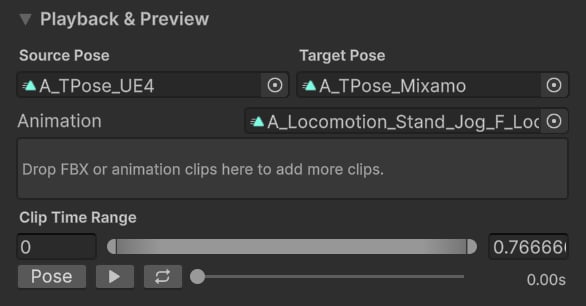
Tip: You can drag&drop multiple clips!
Adjustments
It’s often recommended to adjust retarget features to get the animations look right. Go to the “Bone Chain Settings” tab and click on any feature from the list: Once selected, a feature inspector will appear at the bottom of the list:Note: To find our more about each feature settings, please see Retarget Features.