
Weapon Bone
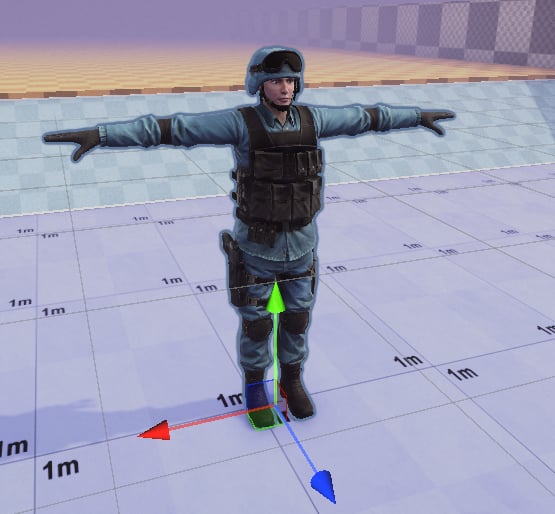
FPS Retargeting relies on a weapon bone — a special game object in the hierarchy that will be used to bake weapon movement. If your skeleton doesn’t have a gun bone, you can add it manually:1. Drag your model into the scene
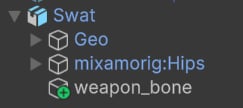
2. Add an empty “weapon_bone” Game Object.
3. Save your model as a prefab variant.
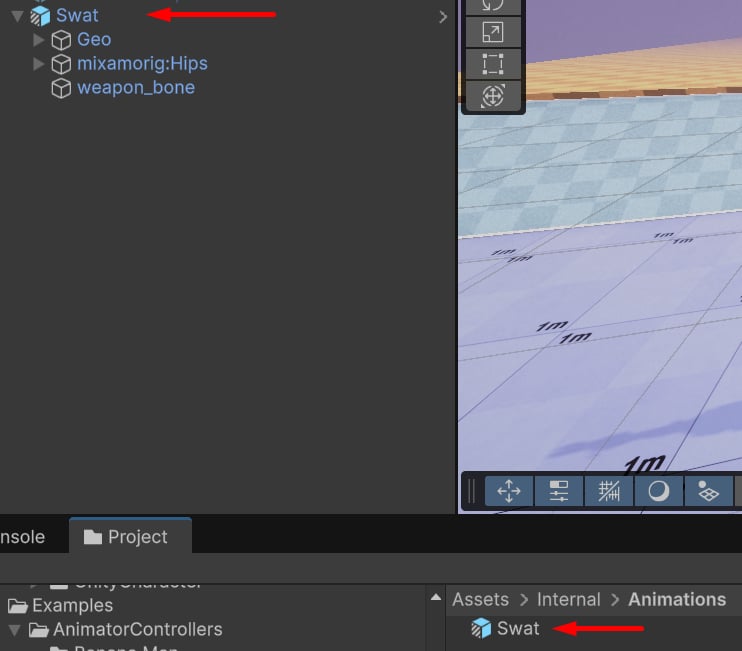
4. Update the character model.
Go to the Retarget Profile asset (or create a new one) and assign the new prefab variant: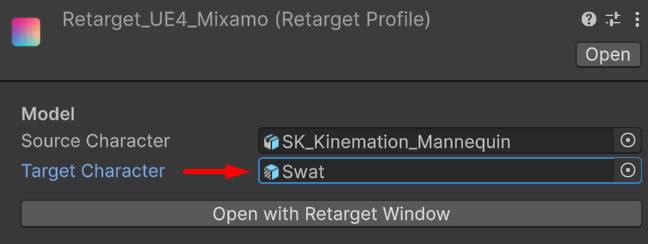
Setup
Open the Retarget Window and go to the “Bone Chain Settings” and add an FPS feature: Place this feature after the arms and before finger retargeting features: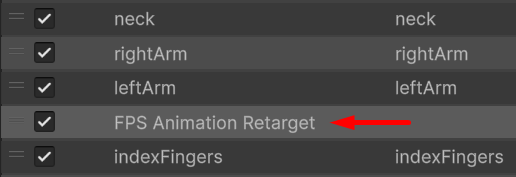
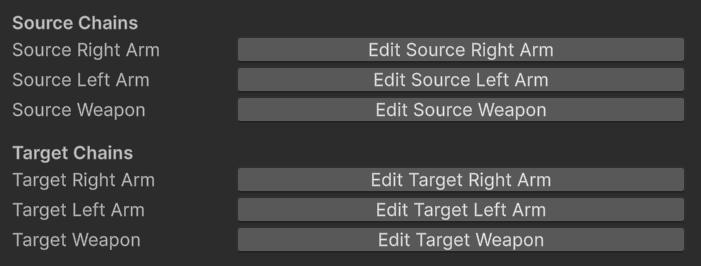
Weapon Preview
It’s possible to add a weapon preview directly to the character. Go to the “Item” tab and assign the weapon model, animation and the attach bone: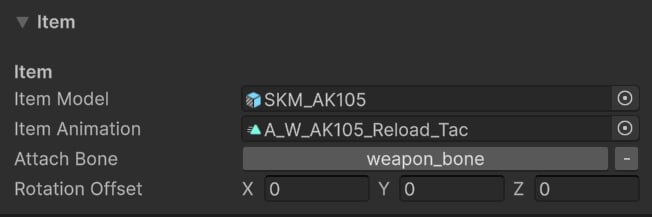
Tip: This will help with hands positioning.
Retargeting
Finally, select the animation you’d like to retarget and click “Play”:Tip: Click IK target cubes to activate Gizmo handles to position the weapon, hands and elbows.