How to use it
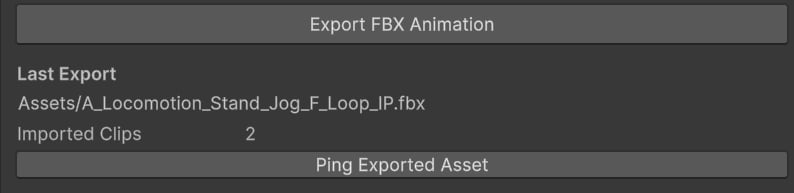
To use the tool, go to Tools▸ KINEMATION ▸ FBX Exporter:- Model — the skinned mesh that will be animated.
- Animation Clip — the animation to export.
- Start Time — start time in seconds.
- End Time — end time in seconds.
- Base Sample Rate — target export frame rate (frames per second).
- Include Scale Curves — whether to include scale curves or not.
- Optimized Constant Curves — whether to remove redundant keyframes for constant curves.
- Output Asset Folder — where the exported FBX files will be saved.