
Initialization
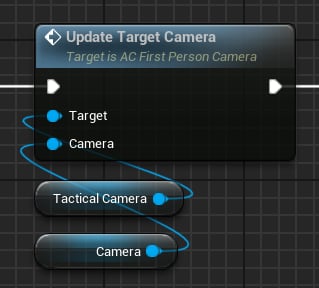
Updating the target camera component.
Camera component that comes with ACharacter.
Then, update the player mesh reference:
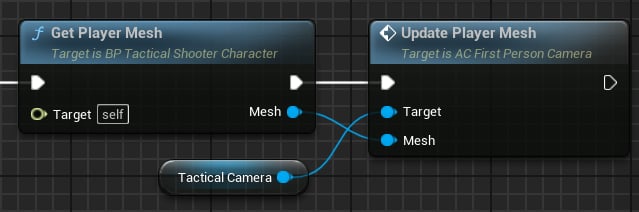
Updating the character mesh.
Free Look
Free look is implemented by calling these methods on the Tactical Camera: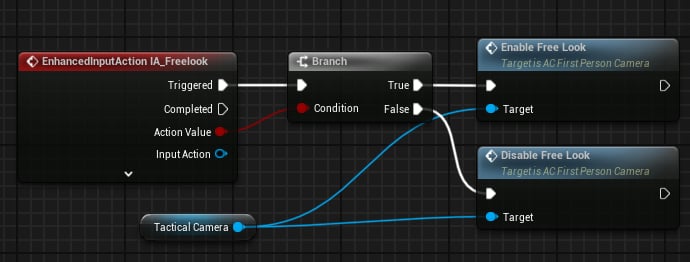
Handling free look.
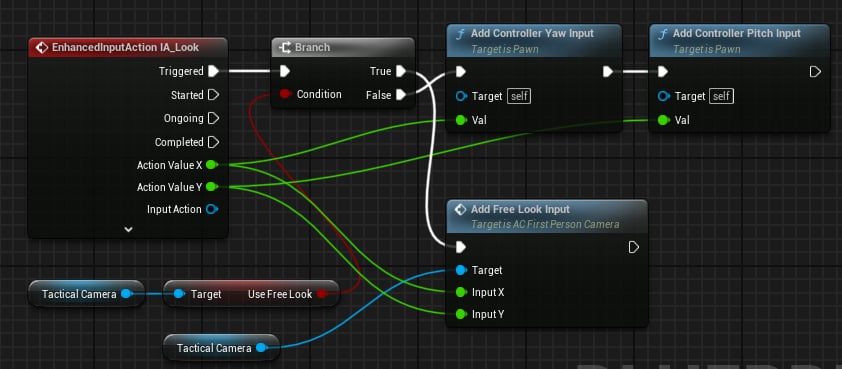
Taking free look input into account.
FOV
The camera also updates the FOV when aiming: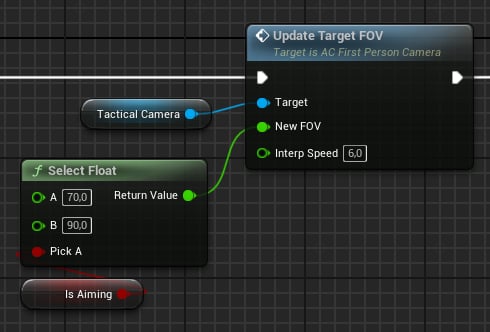
Updating FOV.
Camera Shakes
ThePlay Camera Shake function is used to play shakes when firing:
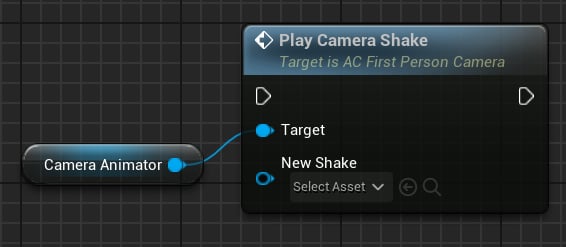
How to play a camera shake.
DA_FirstPersonCameraShake is a Data Asset that contains shake settings:
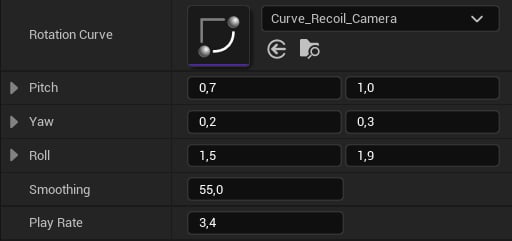
Camera Shake settings.
- Rotation Curve: Camera rotation animation.
- Pitch/Yaw/Roll: Range of the pitch/yaw/roll value.
- Smoothing: Interpolation speed.
- Play Rate: Playback speed multiplier.