
BP_TacticalShooterWeapon
This is the base weapon Blueprint class. It handles most player actions, including:- Draw/Holster
- Firing
- Inspecting
- Mag Check
- Reloading
View Settings
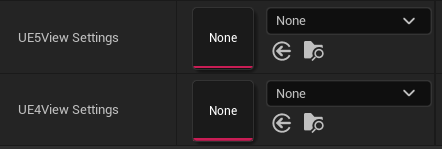
UE4 and UE5 settings.
Weapon Animations
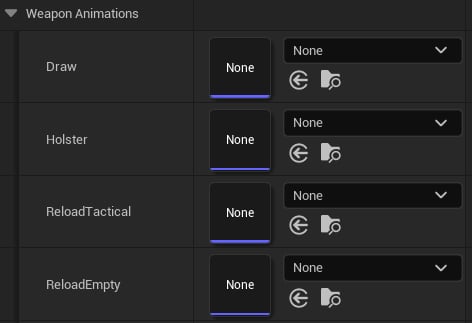
Weapon Anim Montages.
- Draw
- Holster
- Reload Tactical
- Reload Empty
- Reload Start Empty
- Reload Start Tactical
- Reload Loop
- Reload End
- Inspect
- Mag Check
- Deploy Attachment (only used by Herrington 11-87 and SRM-12)
- Stow Attachment (only used by Herrington 11-87 and SRM-12)
- Fire
- Fire Out
Firing settings
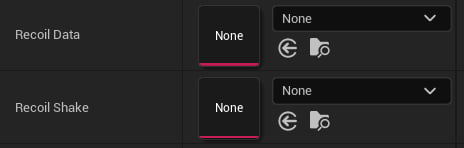
Recoil settings.
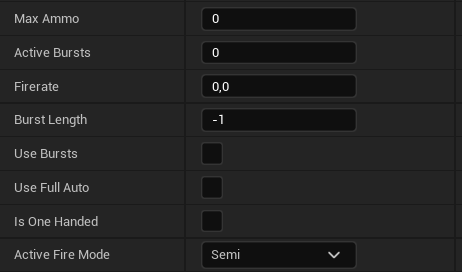
Weapon properties.
- Max Ammo: Ammo capacity.
- Fire Rate: Rounds per minute.
- Burst Length: Number of rounds per burst.
- Use Bursts: Enables burst mode.
- Use Full Auto: Enables full‑auto.
- Is One Handed: True for all pistols and sidearms (guns held with one hand).
- Active Fire Mode: Default fire mode.
BPI Tactical Shooter Weapon
This Blueprint Interface is used by Animation Blueprints to get essential weapon info.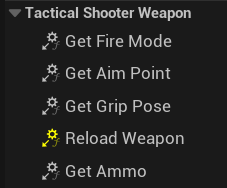
Interface functions.
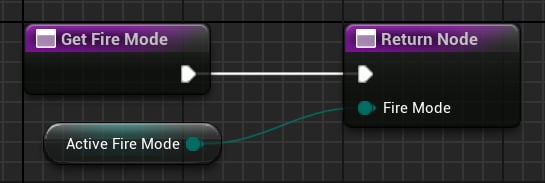
Returns current active fire mode.
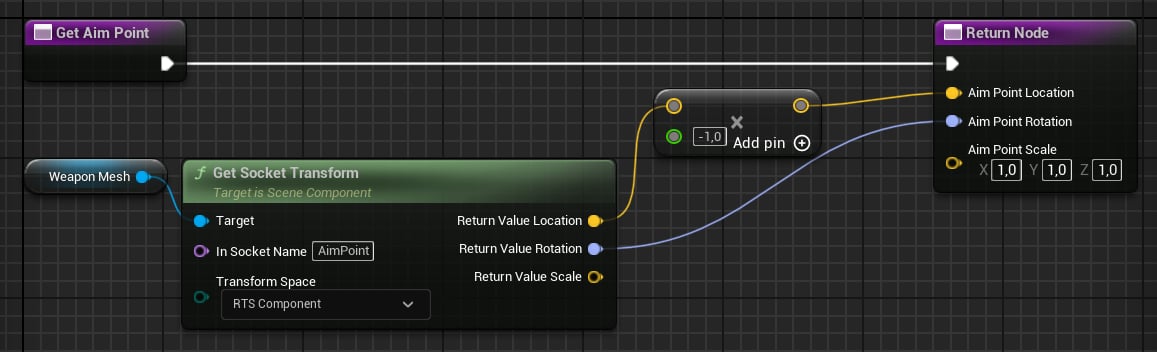
Returns aim point FTransform.
AimPoint socket is used; Component space means relative to the weapon.
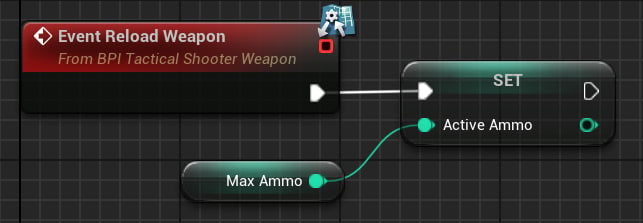
Resetting the weapon.
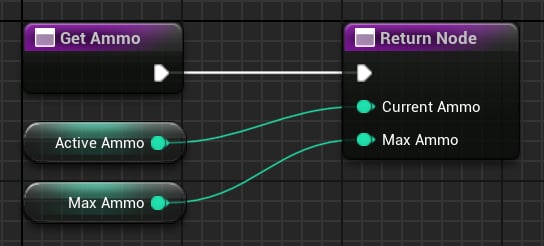
Returns current and max ammo.
Input blocking
While an action is playing (e.g., reload, mag check, inspect), weapons block other actions.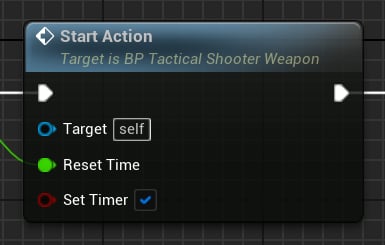
Called when an action starts.
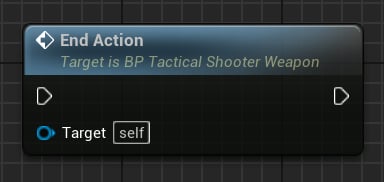
Called when an action ends.
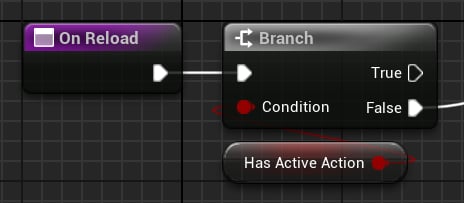
Only play actions if no action is playing.