
Recoil Animation
This Actor Component generates smooth weapon‑firing animation at runtime: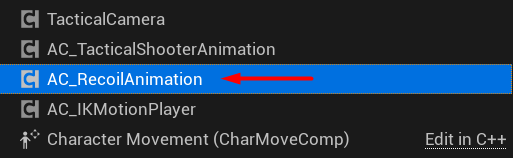
Recoil Animation component.
Init
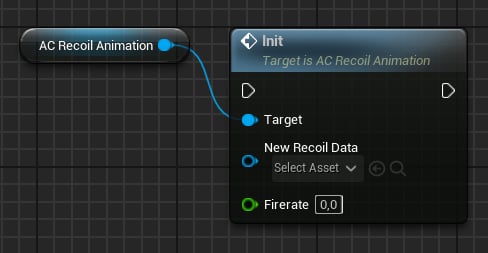
Init method.
Play/Stop
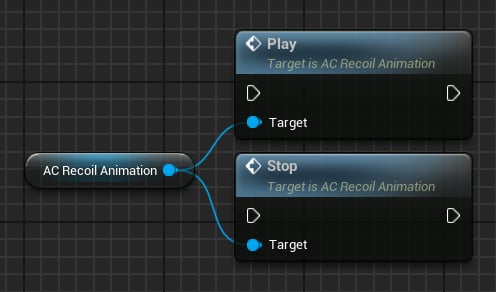
Play, Stop functions.
Set Aiming
Use this method to update the current aiming state: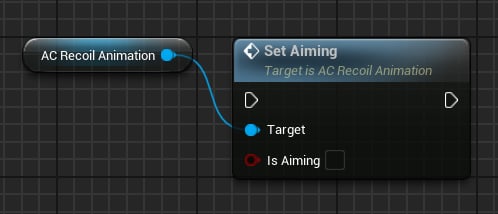
Set Aiming.
Set Fire Mode
Use this method to update the current fire mode: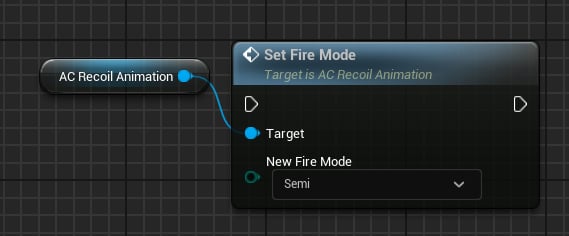
Set Fire Mode.
- Semi
- Burst
- Auto
Note: For Recoil Animation, there is no technical difference between Burst and Auto.
Recoil Animation Data
This Data Asset contains recoil properties, from simple inputs to complex layers such as Sway and Pushback.Input values
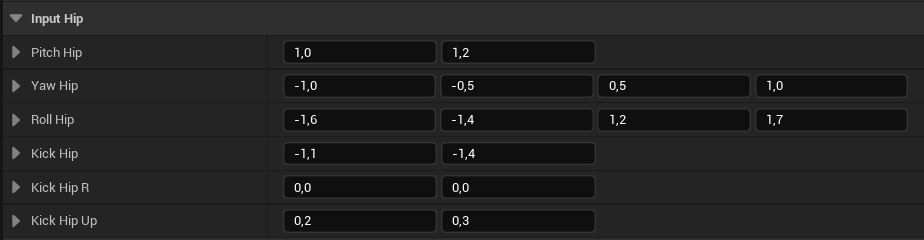
Input Hip values.
FVector4 avoids values too close to zero. Final value is computed as:
Controller Recoil
Adds pitch and yaw to the controller rotation: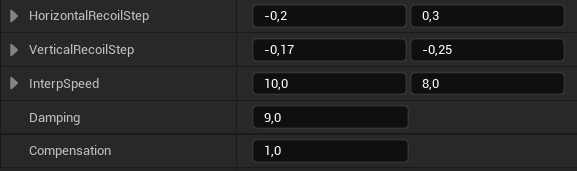
Controller Recoil
- Horizontal Recoil Step: Value range for the yaw input.
- Vertical Recoil Step: Value range for the pitch input.
- Interp Speed: Recoil smoothing speed.
- Damping: How fast recoil should recover.
- Compensation: How much player input is used for compensation. 1 uses all input; 0 uses none (the weapon settles after firing).
Recoil Noise
Random Y-Z (right/up) movement that adds translation noise when firing: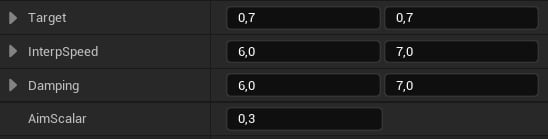
Noise layer.
- Target: Left and Up target values - these will be added every shot.
- Interp Speed: Smoothing speed.
- Damping: How fast noise should go to zero.
- Aim Scalar: Multiplier applied when aiming.
Pushback
This layer is applied on the second shot of a burst and auto sequence: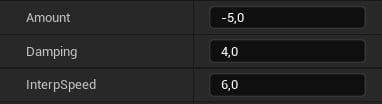
Pushback layer.
- Amount: How much backward translation to apply.
- Damping: How fast the value should go to zero.
- Interp Speed: General smoothing speed.
Progress
Accumulates pitch and upward translation with every shot: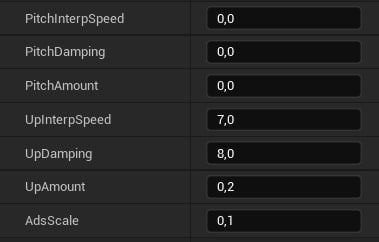
Progress layer.
- Pitch Interp Speed: Smoothing pitch speed.
- Pitch Damping: How fast pitch should go to zero.
- Pitch Amount: How much pitch to add with each shot.
- Up Interp Speed: Smoothing up speed.
- Up Damping: How fast the up translation should go to zero.
- Up Amount: How much up translation to add with each shot.
- Ads Scale: Multiplier applied when aiming.
Sway
Recoil Sway simulates arm offset when firing: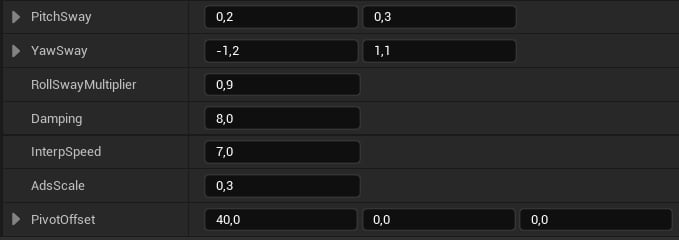
Sway properties.
- Pitch Sway: A value from this range will be added to the pitch sway.
- Yaw Sway: A value from this range will be added to the yaw sway.
- Roll Sway Multiplier: Roll will be computed by multiplying the pitch sway with this value.
- Damping: How fast the sway should go to zero.
- Interp Speed: Sway smoothing speed.
- Ads Scale: Multiplier applied when aiming.
- Pivot Offset: Virtual pivot to add translation. Recommended X = 30-40 units so the pivot is near the character’s shoulder.
General
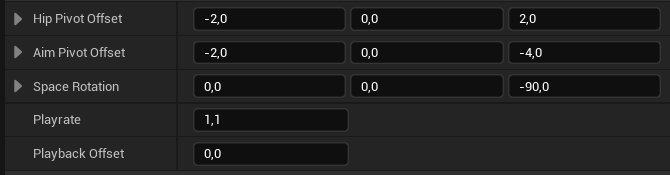
General recoil properties.
- Space Rotation: Use only if animations have a different root orientation.
- Play rate: Playback speed multiplier.
60 / FireRate). Playback Offset adjusts that length to make the sequence longer or shorter.
Curves
Recoil animation is curve‑driven. The solver uses Vector Curves for single and auto/burst fire modes: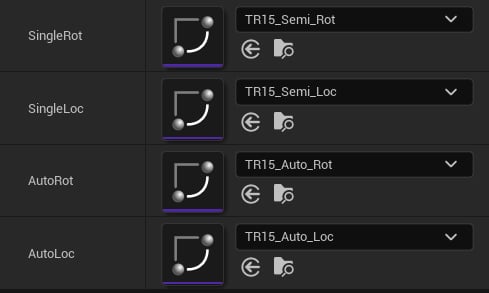
Recoil curves.
FTransform RecoilAnimation property:

Recoil value.
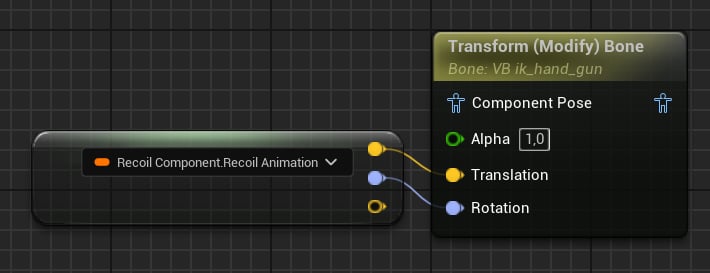
How recoil is applied in the Tactial Shooter Pack.