
Overview
The linking process is used to smoothly blend in our desired Animator Profile in runtime. Let’s take at the linking functionality in the source code: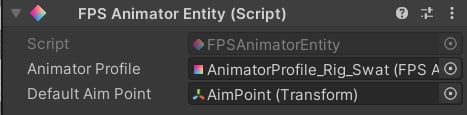
Code example
Let’s see how we can apply the linking in practice. Here’s a code snippet from the demo: In the demo project, weapons control the equipment logic, and because our weapon has an FPS Animator Entity component, we can just pass the gameObject as a parameter. It is also possible to link individual layers: In this example, we play a procedural unequip animation by dynamically linking an**unEquipMotion**.
In the next section, we will learn how to integrate animation framework components with a third-party controller.