
Reason
If animations like idle, movement, equip and unequip are not playing, this is usually a sign of the Additive Layer problem. There could be two potential issues:- Additive Layer is not added or set up properly.
- Curve animations are not added or they use a different skeleton hierarchy.
Solution
First, it is important to check if Additive Layer is adjusted properly: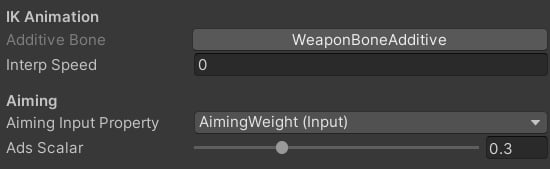
General settings.
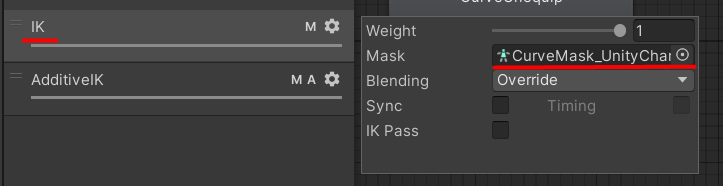
Animator Controller setup.

This bone should be manually added to the mask.
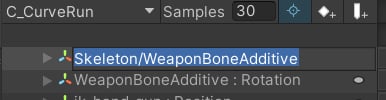
Default bone path.
- Duplicate the curve animation.
- Copy WeaponBoneAdditive curves from the original to the target animation Tools.
- Assign the animation in the animator controller.