
Weapons
Hunting rifle, bow, spear, knife, and axe: weapon logic, action montages, overlays, and projectiles.
Tools
Lighter, pot, and signal flare: item actions, paired animations, and effects.
Consumables
Food, medicine, and the water bottle: use animations, visible changes, and consumption events.
Survival_FPS_Pack/Blueprints/Items to find the item Blueprints. The Views folder contains their animation components, and Settings contains the matching DA_ assets. See Content overview for the rest of the folders.
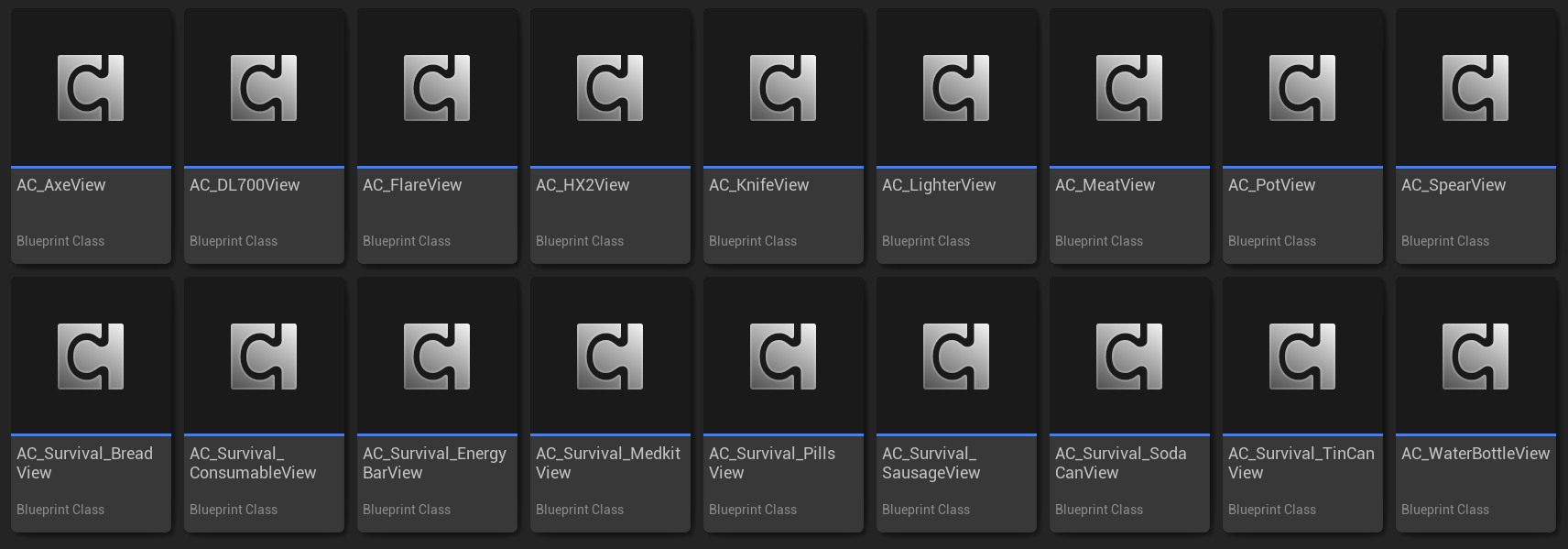
Each item keeps its animation and effect behavior in a matching view component.
Shared item behavior
Initializing a view
AC_ItemView.TryInitialize gets its owning item actor, then gets that actor’s owner as OwningCharacter. It calls the character interfaces to find AC_GameplayAnimation and the first-person camera.

The view finds the item and its owning character before caching the animation and camera components.
Character equipment
BP_Survival_Character has two equipment lists. Item Classes contains the five weapons, three tools, and water bottle. Consumable Classes contains the eight food and medicine classes.
Configure both lists on your character copy before playing. Character explains how selection and input reach the items.
Animation setup
Character animations are inAnimations/Character/UE5 and Animations/Character/UE4. Item animations are in Animations/Items. Use the character family that matches your animation configuration and retargeting workflow.
Views assign F_CharacterItemMontage pairs for discrete actions such as draw, attack, reload, use, and holster. Animation settings select the character’s idle pose, overlay class, and procedural class. The item mesh uses its own Animation Blueprint to combine its resting pose with action montages.
Follow Create an item to copy and connect these assets. Character setup covers retargeting, and Making adjustments covers placement and motion.