
Animator Controller
The base animator controller is included in the CAS package:
Base controller.
Note: Generic animations are only compatible with the Kinemation Mannequin (KINEMATION ▸ Shared ▸ Character).
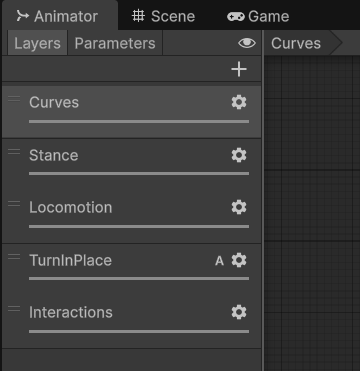
Animation Layers.
Curves
This layer sets curve blending properties to default values: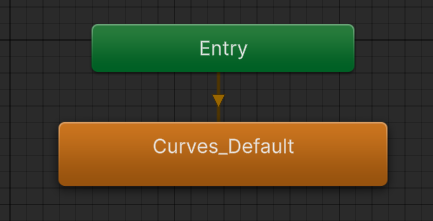
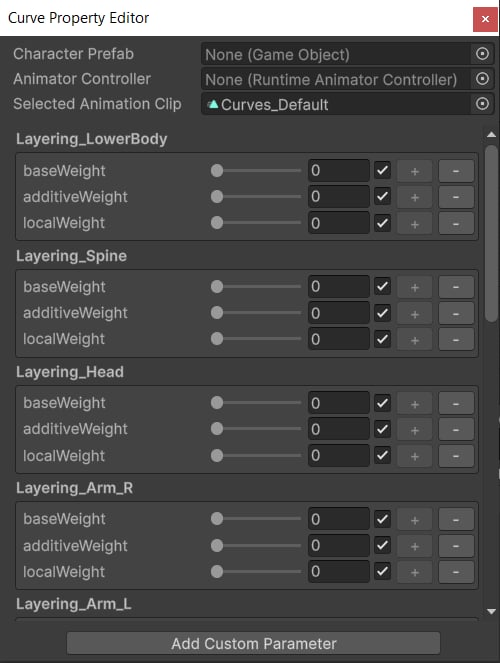
Tip: This layer is crucial to avoid lingering blending properties at runtime, which may result in jittering issues. Read more about it here.
Stance
This layer blends between standing and crouching states.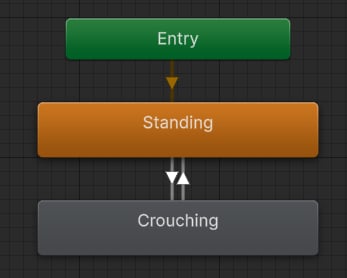
Stances.
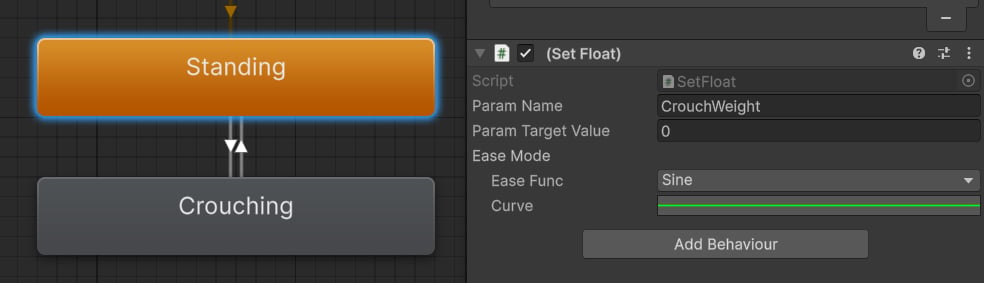
Tip: The CrouchWeight is an Animator float parameter that is used to blend between standing and crouched character movement.
Locomotion
This layer applies full-body animations, like idle, jogging, sprinting and jumping.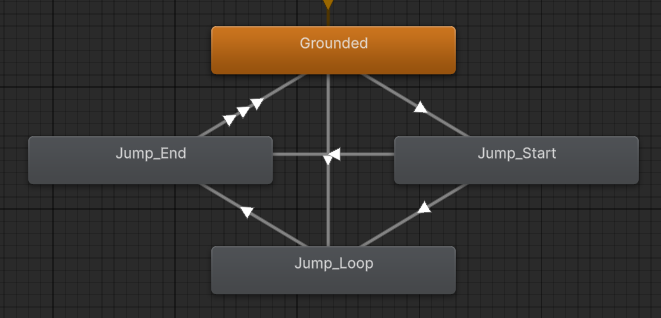
Locomotion.
Turn In Place
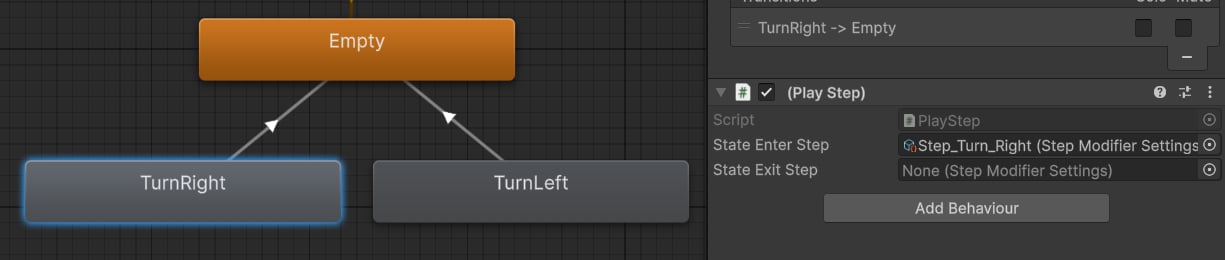
This layer triggered procedural steps when turning left or right.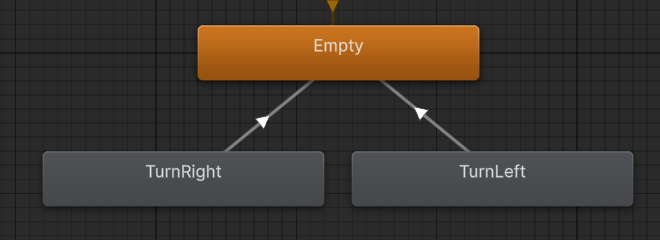
Turn in place states.
Interactions
This last layer is reserved for full-body interaction animations, like climbing or pulling a lever: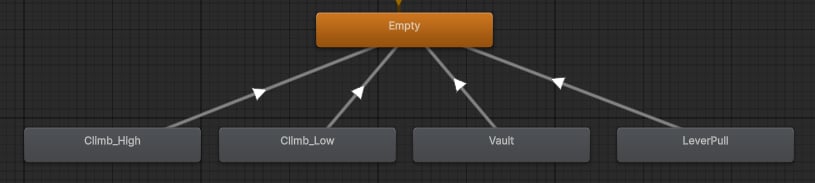
Interaction states.
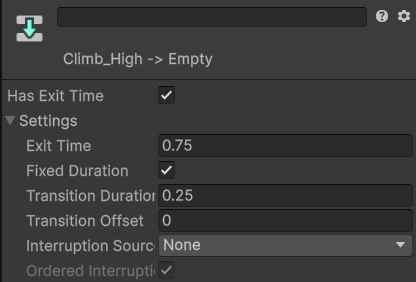
Interaction transition parameters.