
Create Procedural Animation Settings
On the character prefab, open Procedural Animation (three dots) and choose Create Procedural Asset.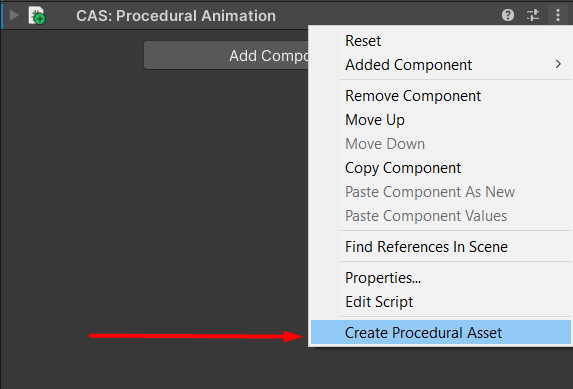
Create Procedural Animation Settings.
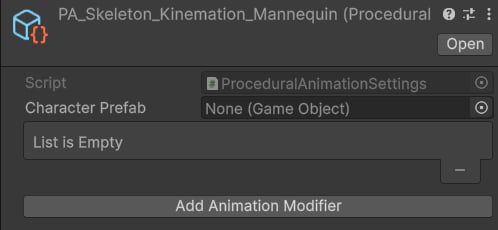
Procedural Animation Settings.
Animation Modifiers
Assign Character Prefab — the main player prefab used in-game. If you don’t have one yet, drag the scene character into the current folder to create a prefab. After assigning the prefab, add Animation Modifiers: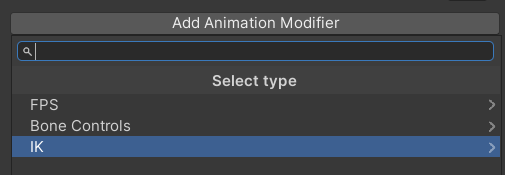
Modifiers.
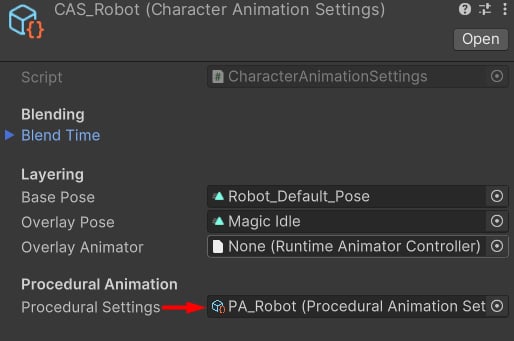
Assign the PA here.