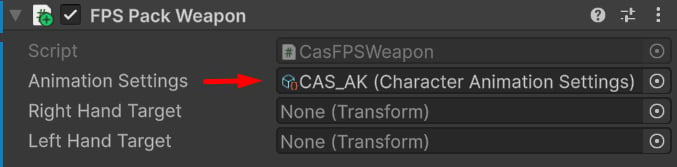
CAS Assets
Every weapon has a unique Character Animation Settings — it contains the Overlay pose and procedural animation settings. You can treat this asset as a unique animation profile for a weapon.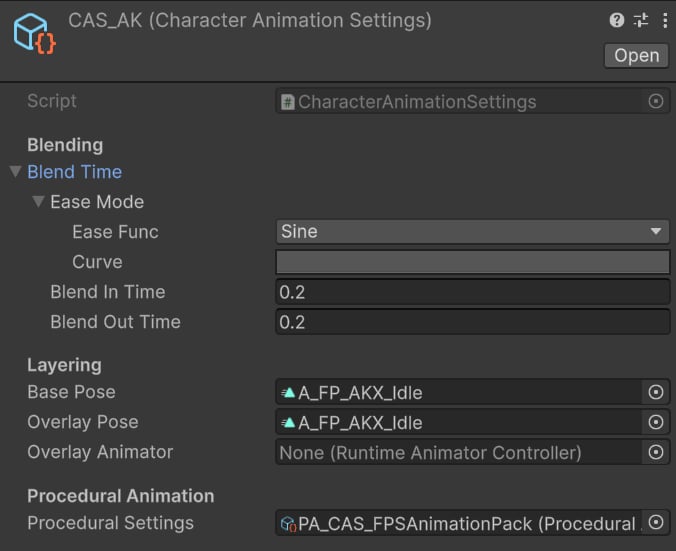
Example CAS asset.
- Blend In/Out Time — set to 0.2s to have a smooth transition when switching weapons.
- Base and Overlay Pose — set to the default weapon idle pose, applied on the character upper body.
-
Procedural Settings — set to
PA_CAS_FPSAnimationPack, which contains procedural features used across all weapons (e.g., sway, ADS, recoil, etc.).
FPS Pack Weapon component: